Skip to content
NetMovo
  • Home
  • Guides
    • Router Login & Setup
    • Modem Troubleshooting
    • Mobile Hotspots
    • Router Troubleshooting
    • Wi-Fi Extenders & Mesh
  • About
  • Contact

Router Troubleshooting

Troubleshoot Wi-Fi drops, internet outages, and confusing router lights. Browse fixes for Spectrum, Xfinity, Verizon, TP-Link, NETGEAR, and more.

AT&T BGW320 Blinking Red? What to Check First
November 22, 2026 by NetMovo Team
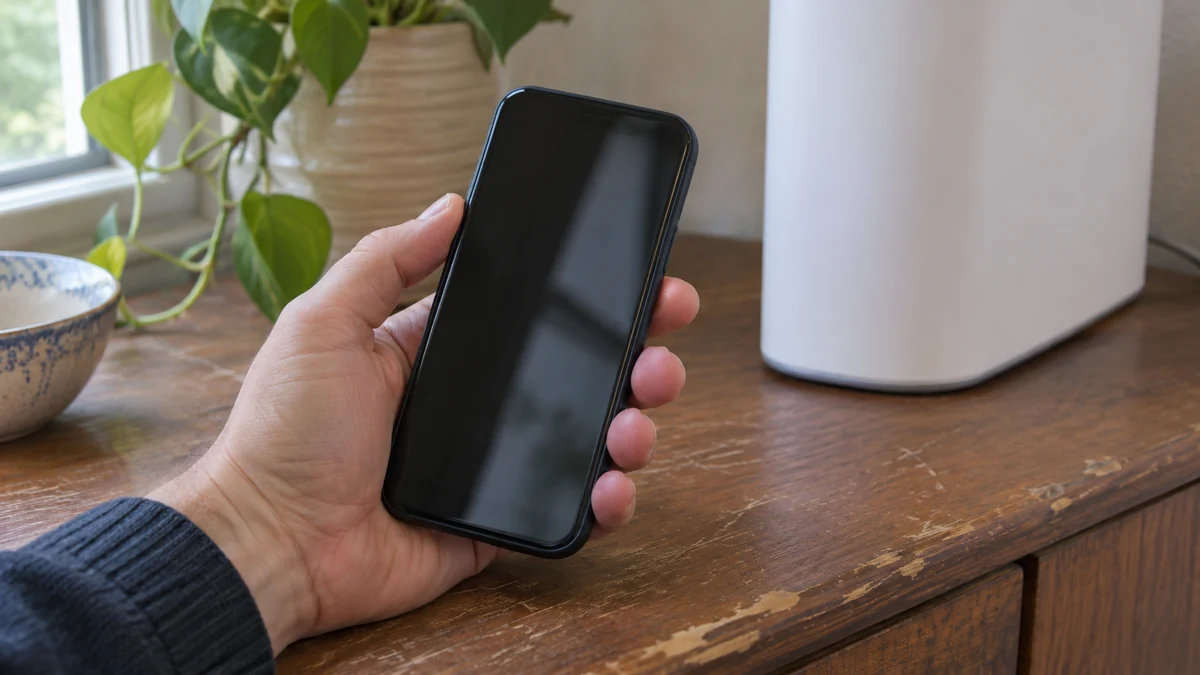
A hand holds a smartphone beside a white home internet gateway.

Watch the top light before unplugging the BGW320. A fast red blink, a slow red blink, and a solid red light point to different checks.

Categories Router Troubleshooting

TP-Link Router Not Connecting to the Internet? Check the WAN Status

November 21, 2026 by NetMovo Team
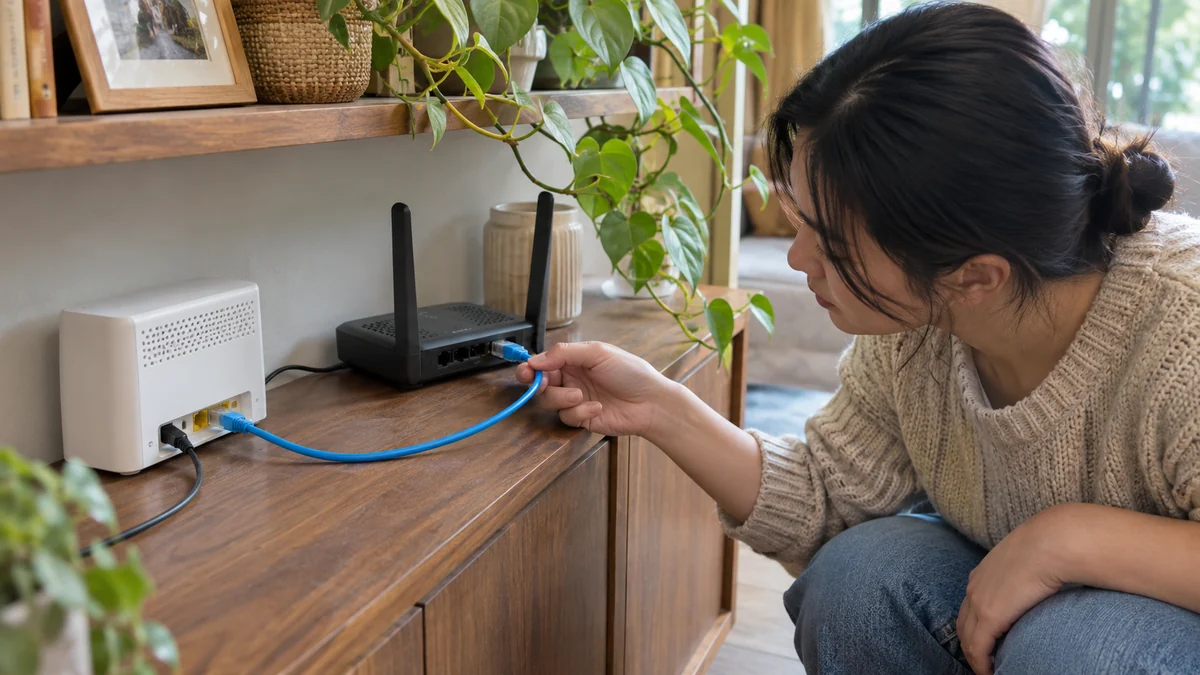
A person checks the blue Ethernet cable between a white modem and a black Wi-Fi router.

Check the TP-Link’s WAN status to find out whether you’re dealing with an unplugged cable, missing provider settings, or an internet connection that fails farther upstream.
Categories Router Troubleshooting Tags TP-Link Router

Xfinity XB8 Keeps Rebooting? How to Find the Cause

November 21, 2026 by NetMovo Team
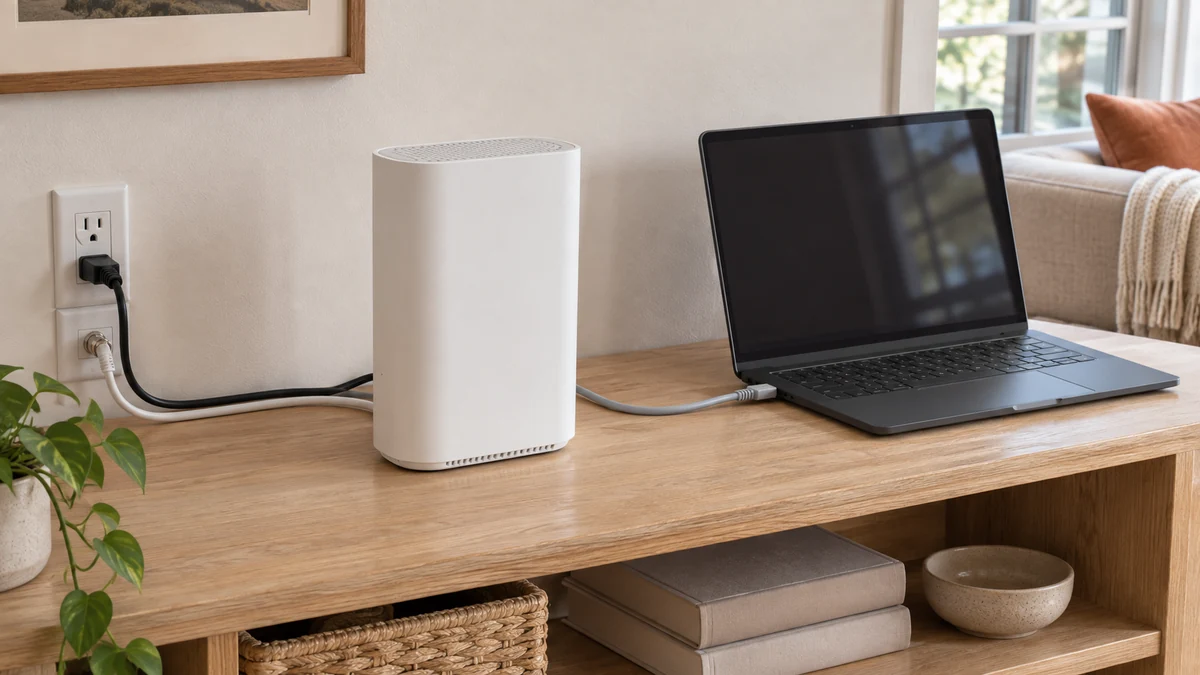
Laptop connected by Ethernet to a white cable gateway on a wooden console.

Watch what happens to the gateway light and a wired device during the next dropout. Those clues help you decide whether to check power, airflow, or the Xfinity cable connection.
Categories Router Troubleshooting

NETGEAR CAX80 WiFi Disconnecting? How to Fix Random Drops

October 7, 2026 by NetMovo Team
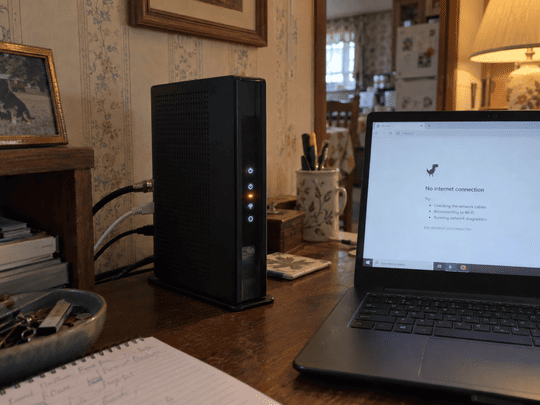
NETGEAR CAX80 WiFi disconnecting while wired Ethernet still works

If your NETGEAR CAX80 keeps dropping WiFi, especially while wired devices stay online, the problem may be on the wireless side rather than the cable connection. This guide separates WiFi, firmware, channel and modem-side causes before a factory reset.
Categories Router Troubleshooting Tags NETGEAR CAX80

ARRIS G36 Keeps Disconnecting? How to Fix Random Wi-Fi and Internet Drops

October 4, 2026 by NetMovo Team
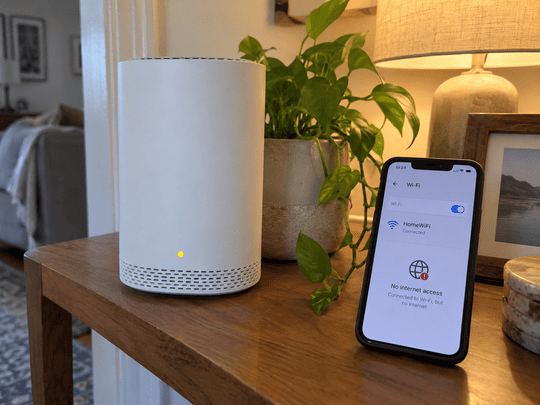
ARRIS G36-style cable gateway during a Wi-Fi or internet disconnect

If your ARRIS G36 keeps disconnecting, first find out whether the failure is Wi-Fi-only or the whole gateway. This guide covers interference, band steering, coax, signal problems and reset-last troubleshooting.
Categories Router Troubleshooting Tags ARRIS G36, SURFboard G36

Verizon Router Yellow Light: What It Means and How to Fix It

October 3, 2026 by NetMovo Team
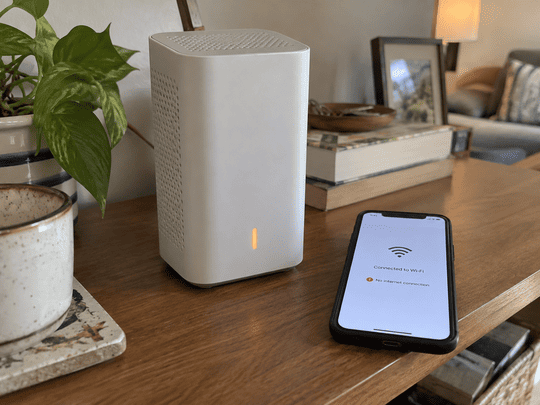
White Verizon-style router showing a yellow status light during an internet connection problem

A yellow light on Verizon equipment can mean no internet, an extender placement problem, or a setup state depending on the device. This guide helps identify the device first and fix the right problem.
Categories Router Troubleshooting

Xfinity Router Blinking Orange or Green? What It Means and How to Fix It

October 3, 2026 by NetMovo Team
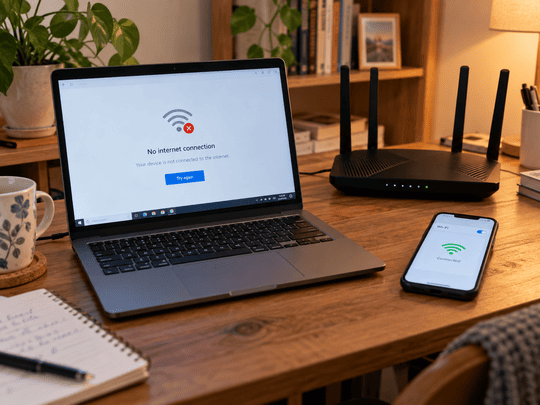
Xfinity-style Gateway blinking orange while the internet connection is offline

An Xfinity Gateway blinking orange or green usually means it is still trying to connect. Check the outage status, coax connection, activation and Gateway before resetting anything.
Categories Router Troubleshooting

TP Link Router Keeps Disconnecting? Try These Fixes

October 2, 2026 by NetMovo Team
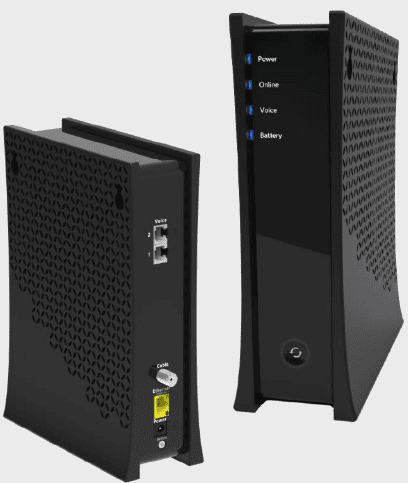
TP-Link router while a laptop repeatedly loses its Wi-Fi connection

If your TP-Link router keeps dropping Wi-Fi or losing internet, don’t reset everything yet. A few simple tests can usually tell you where the problem is coming from.
Categories Router Troubleshooting

Spectrum Router Solid Blue but No Internet: What to Check

September 30, 2026 by NetMovo Team
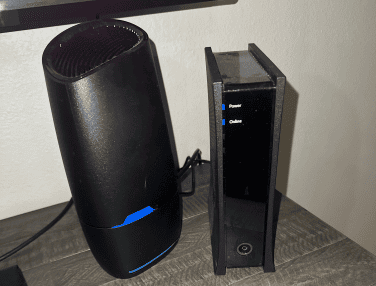
Spectrum router with solid blue status light

A solid blue Spectrum router normally means it is connected. If your devices still have no internet, these checks help narrow down where the problem is.
Categories Router Troubleshooting

Spectrum Router Blinking Blue: Why It Won’t Turn Solid Blue

September 30, 2026 by NetMovo Team
Spectrum router blinking blue status light

A blinking blue Spectrum router is usually booting or trying to connect. If it stays that way, check the modem and connection before resetting anything.

Categories Router Troubleshooting
Older posts
Page1 Page2 Next →

NetMovo

Clear help for routers, Wi-Fi, modems and home networking.

Guides

  • Router Troubleshooting
  • Wi-Fi & Extenders
  • Mobile Hotspots
  • Modem Troubleshooting

Site Info

  • About
  • Contact
  • Privacy Policy
  • Disclaimer
© 2026 NetMovo