192.168.8.1 Login: Open Your Huawei Mobile WiFi Settings
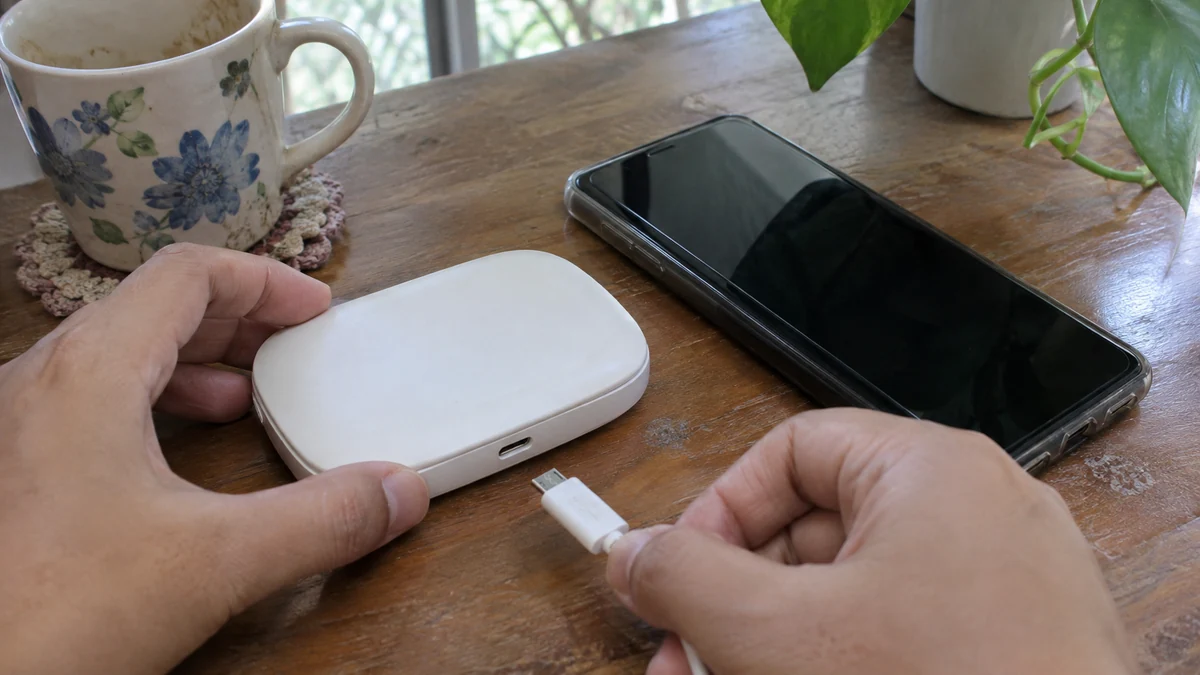
Join the Huawei hotspot’s own Wi-Fi before opening 192.168.8.1. The admin password may be on the hotspot label or display.

 NetMovo Team
Join the Huawei hotspot’s own Wi-Fi before opening 192.168.8.1. The admin password may be on the hotspot label or display.
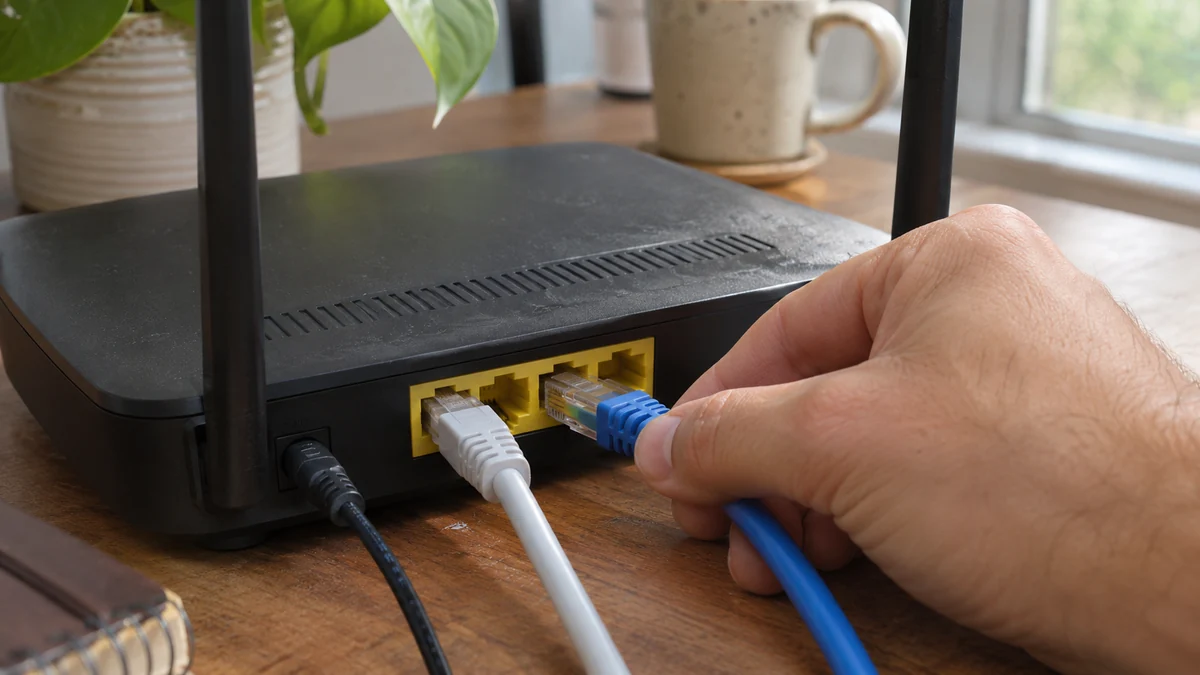
Watch the AX55’s Internet light and test one wired device during a dropout. That helps you tell a WAN problem from a Wi-Fi problem.
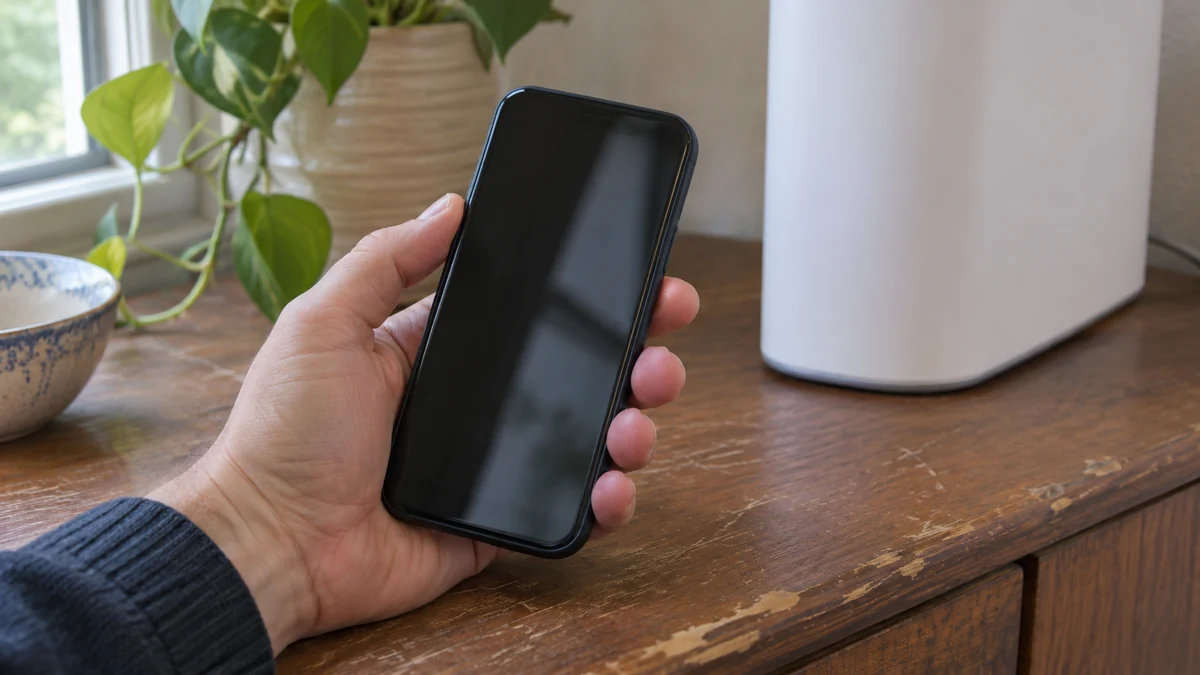
Watch the top light before unplugging the BGW320. A fast red blink, a slow red blink, and a solid red light point to different checks.
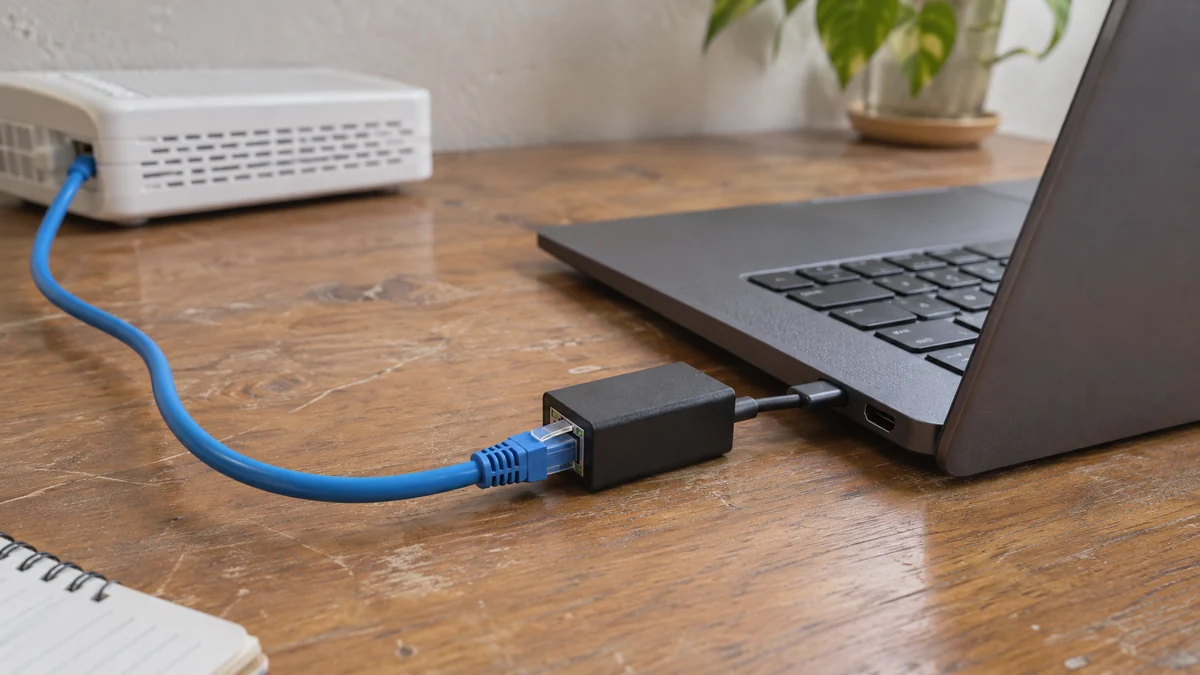
If the SB8200 status page won’t load, try a direct Ethernet connection first. If it still times out, use ARRIS’s temporary IP settings to reach the modem.
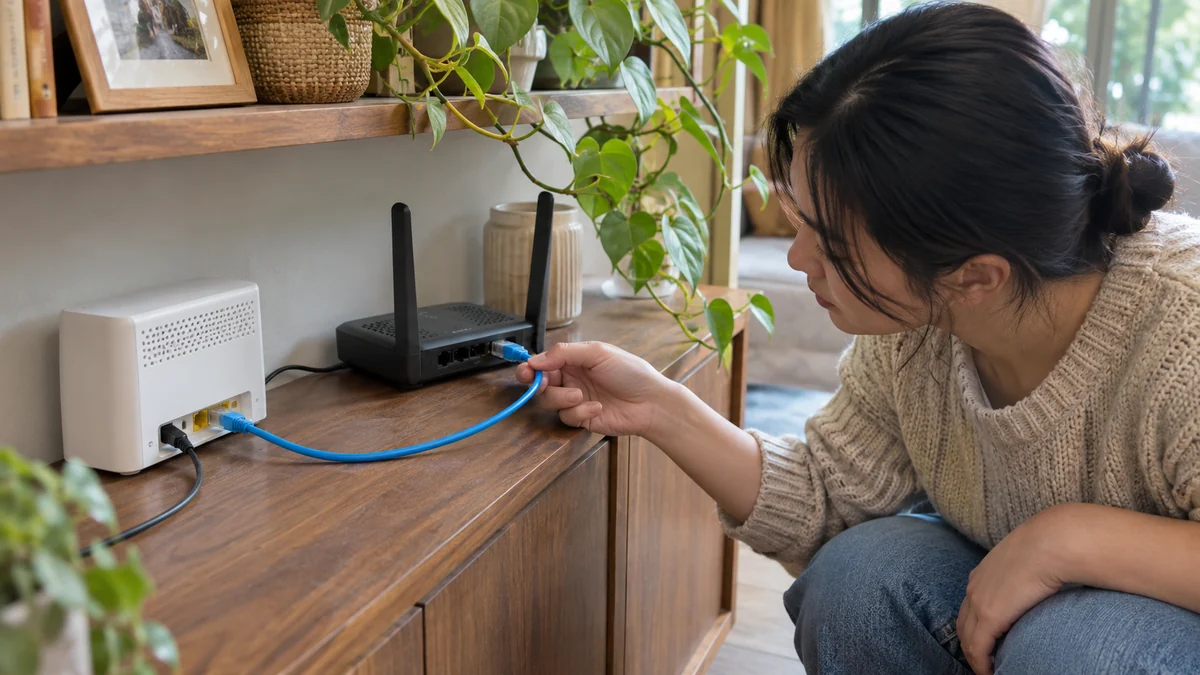
Check the TP-Link’s WAN status to find out whether you’re dealing with an unplugged cable, missing provider settings, or an internet connection that fails farther upstream.
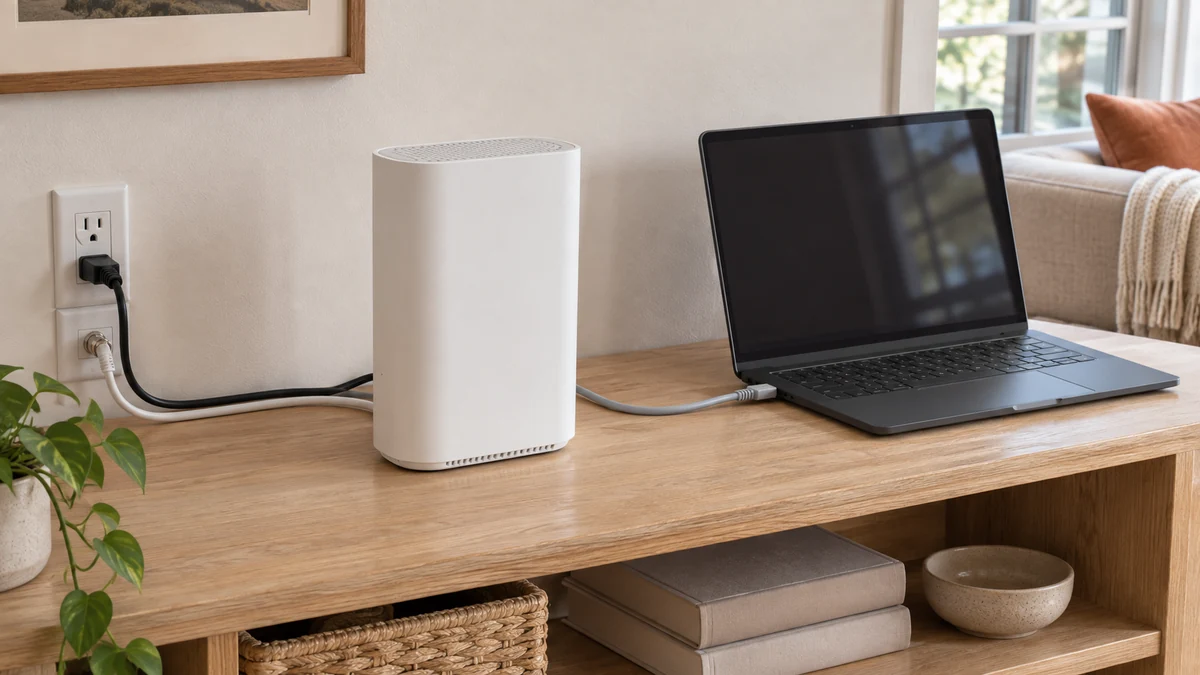
Watch what happens to the gateway light and a wired device during the next dropout. Those clues help you decide whether to check power, airflow, or the Xfinity cable connection.
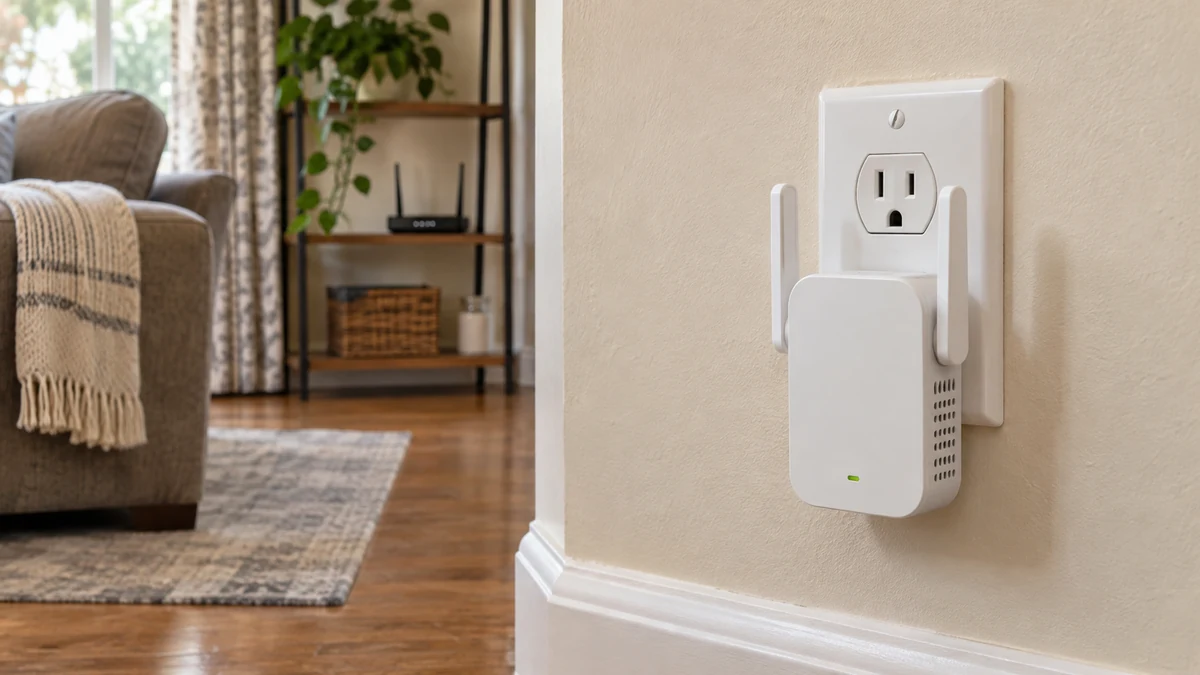
Set up a Wi-Fi repeater with a browser, an app or WPS, then find an outlet where it can still pick up a reliable signal from your router.
If your Deco XE75 keeps disconnecting, first find out whether the main Deco, a satellite, the backhaul or only WiFi clients are dropping. The fix depends on which part of the mesh is actually failing.
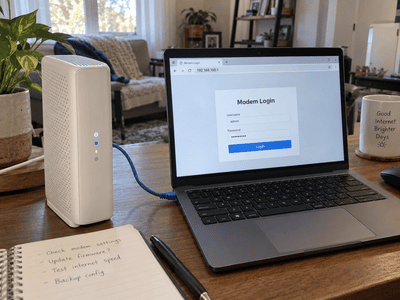
The ARRIS S33 and S34 use 192.168.100.1 for their local Web Manager, but the default password can differ by firmware. Here is how to log in and fix the page when it will not open.
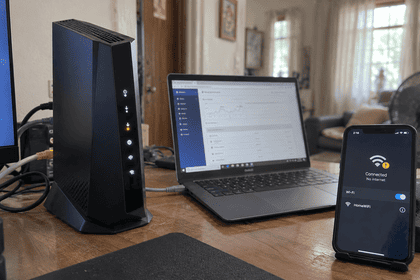
If your NETGEAR CAX80 keeps dropping WiFi, especially while wired devices stay online, the problem may be on the wireless side rather than the cable connection. This guide separates WiFi, firmware, channel and modem-side causes before a factory reset.