Xfinity 10.0.0.1 Not Working? Fix Admin Tool Access
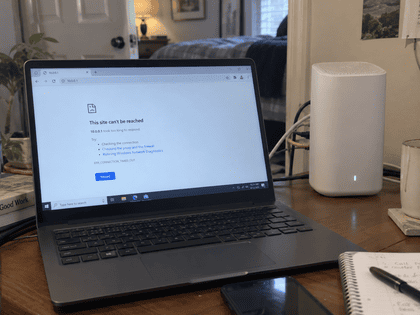
If Xfinity 10.0.0.1 will not open or rejects your password, the problem may be Xfinity’s newer Admin Tool access setting rather than the gateway itself.

Find your router’s admin page, open the right local address, and get back into its settings. Includes guides for 192.168.1.1, 10.0.0.1, and ISP gateways.
If Xfinity 10.0.0.1 will not open or rejects your password, the problem may be Xfinity’s newer Admin Tool access setting rather than the gateway itself.
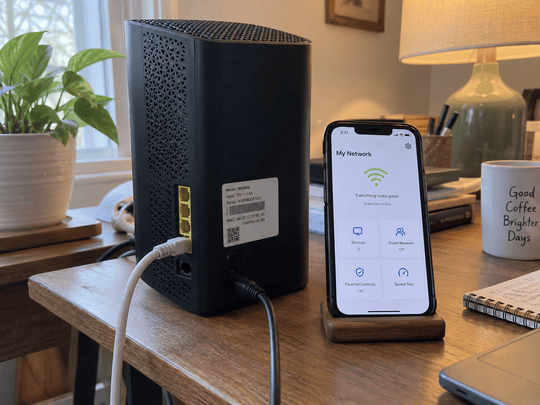
Trying to log in to a Spectrum router? Current Advanced WiFi models are usually managed through My Spectrum, while some older Wave 2 routers still use a local browser login.
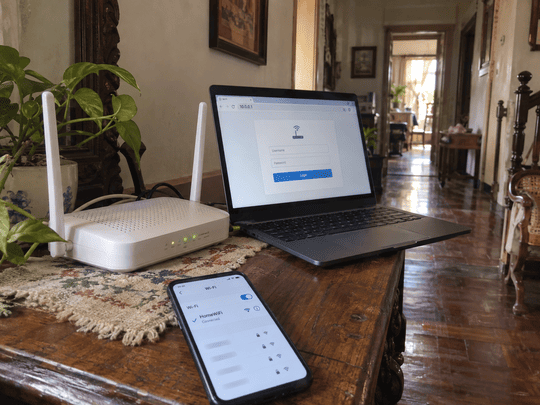
Use 10.0.0.1 to open a compatible router or gateway admin page. If it does not load, this guide shows how to find the real gateway, correct common address mistakes and fix login problems.
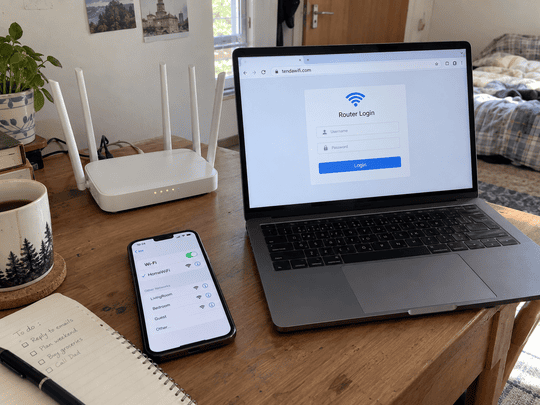
Open your Tenda router settings through tendawifi.com or the router’s local gateway IP. This guide also covers login pages that will not load, incorrect IP addresses, password problems and browser errors.
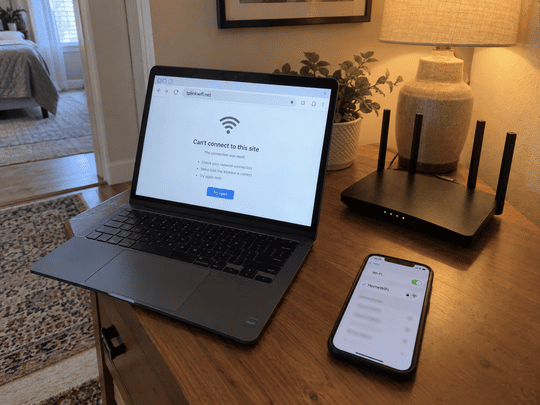
If tplinkwifi.net will not open, the router is usually still reachable. Check that you are on the correct TP-Link network, try the router’s IP address, then work through browser, VPN and DNS problems before resetting anything.
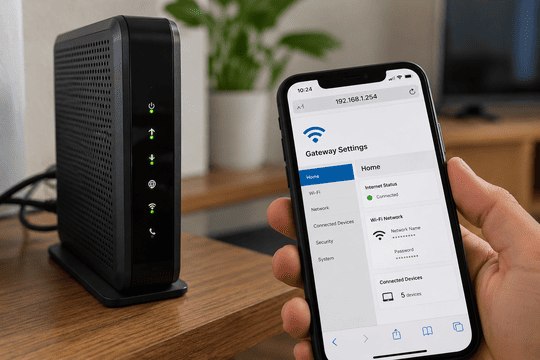
Open 192.168.1.254, fix common login problems, and find the right access method for AT&T, Telmex and other gateways without using random passwords.
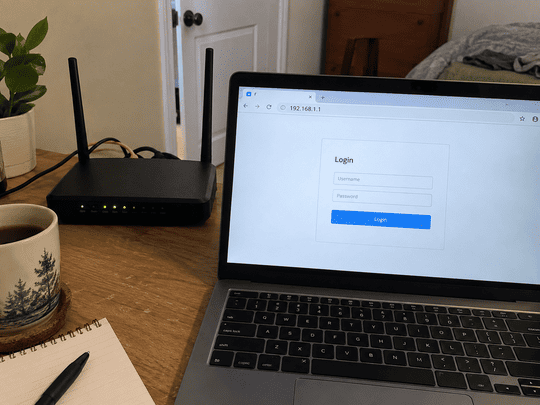
Learn how to open 192.168.1.1, find your router’s real login address, correct common typos, and fix admin page or password problems safely.