
Clear Help for Routers, Wi-Fi and Networking
Practical troubleshooting, setup guides and clear answers for routers, modems, Wi-Fi, mesh systems and other networking equipment.
Router Troubleshooting
Fix connection problems, Wi-Fi issues and common router errors.
Modems & Status Lights
Understand modem lights, connection states and common failures.
Wi-Fi & Extenders
Setup, placement, coverage problems and extender troubleshooting.
Router Login & Setup
Access router settings, login pages and complete basic setup.
Latest Router & Wi-Fi Guides
-
AT&T BGW320 Blinking Red? What to Check First
Watch the top light before unplugging the BGW320. A fast red blink, a slow red blink, and a solid red light point…
-
ARRIS SB8200 192.168.100.1 Not Working? Try This
If the SB8200 status page won’t load, try a direct Ethernet connection first. If it still times out, use ARRIS’s temporary IP…
-
TP-Link Router Not Connecting to the Internet? Check the WAN Status
Check the TP-Link’s WAN status to find out whether you’re dealing with an unplugged cable, missing provider settings, or an internet connection…
-
Xfinity XB8 Keeps Rebooting? How to Find the Cause
Watch what happens to the gateway light and a wired device during the next dropout. Those clues help you decide whether to…
-
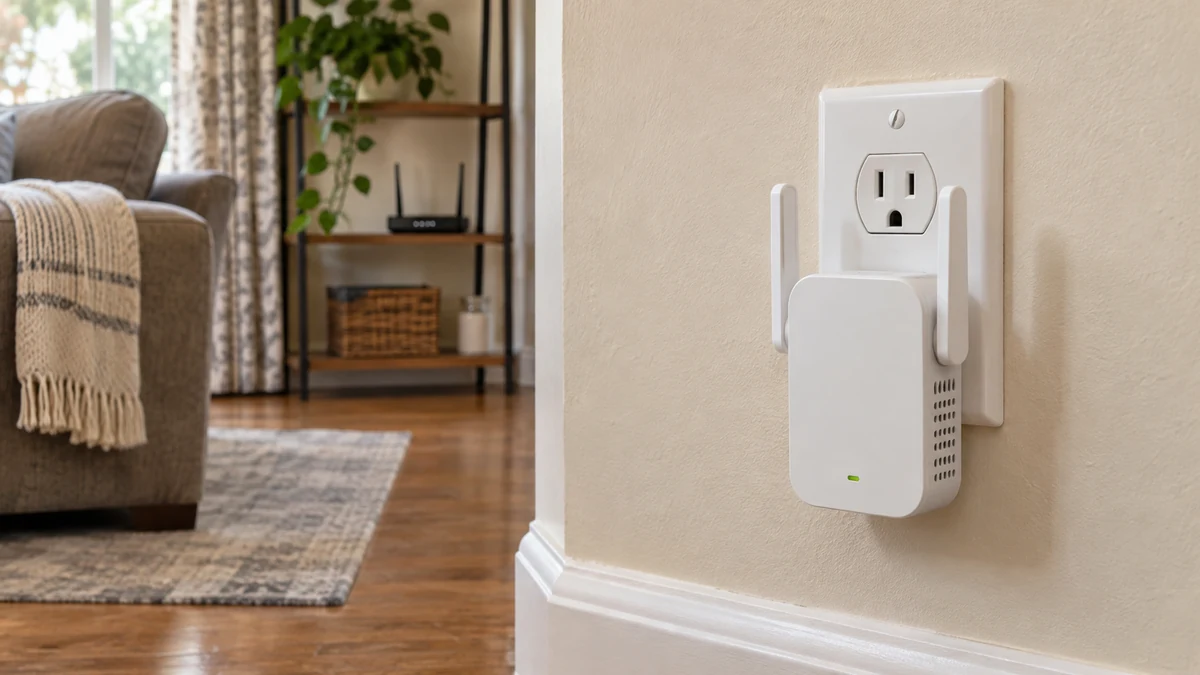
WiFi Repeater Setup: How to Connect and Where to Plug It In
Set up a Wi-Fi repeater with a browser, an app or WPS, then find an outlet where it can still pick up…
-
TP-Link Deco XE75 Keeps Disconnecting? How to Fix Random Drops
If your Deco XE75 keeps disconnecting, first find out whether the main Deco, a satellite, the backhaul or only WiFi clients are…
About NetMovo
NetMovo provides practical troubleshooting and setup guides for routers, Wi-Fi, modems, extenders and home networking equipment. We use manufacturer documentation and device-specific troubleshooting information wherever possible.Learn more about NetMovo →