WiFi Repeater Setup: How to Connect and Where to Plug It In
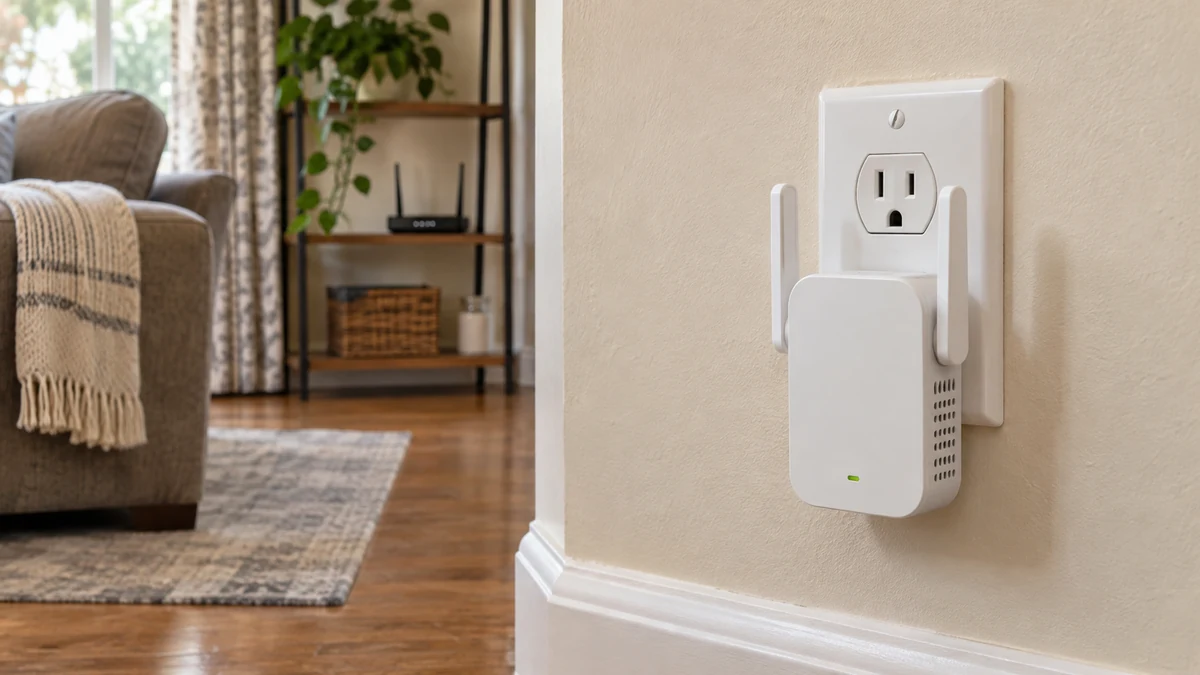
Set up a Wi-Fi repeater with a browser, an app or WPS, then find an outlet where it can still pick up a reliable signal from your router.

Set up a Wi-Fi extender or fix weak coverage, pairing problems, and mesh nodes that keep going offline. Includes TP-Link Deco and NETGEAR Orbi guides.
Set up a Wi-Fi repeater with a browser, an app or WPS, then find an outlet where it can still pick up a reliable signal from your router.
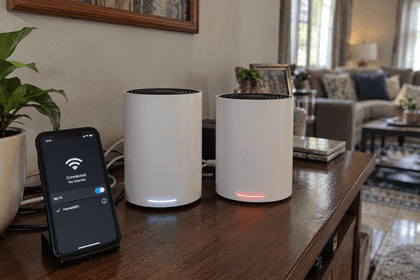
If your Deco XE75 keeps disconnecting, first find out whether the main Deco, a satellite, the backhaul or only WiFi clients are dropping. The fix depends on which part of the mesh is actually failing.
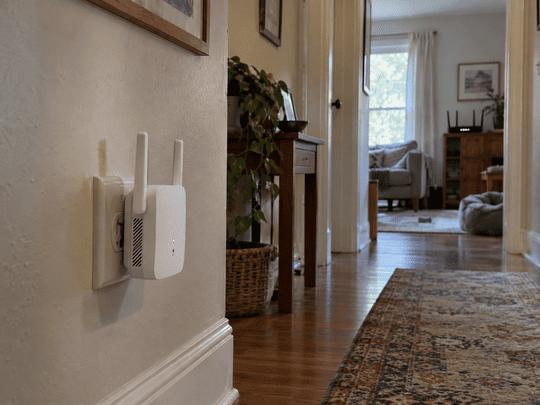
If your NETGEAR extender will not connect to the router, first check whether the router link is actually down. Then work through placement, WPS, changed WiFi settings, access control and firmware before resetting anything.
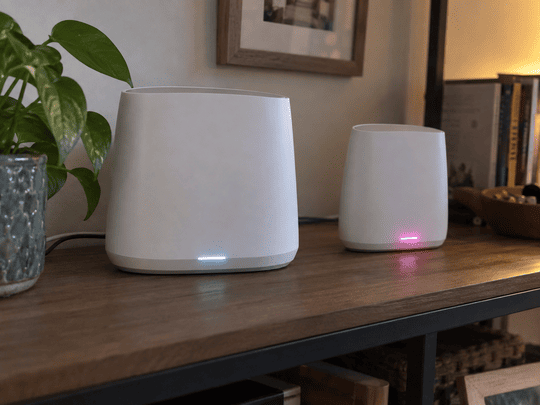
If your Orbi satellite is offline, stuck on magenta, missing from the app, or refusing to sync, work through these checks before resetting the system.
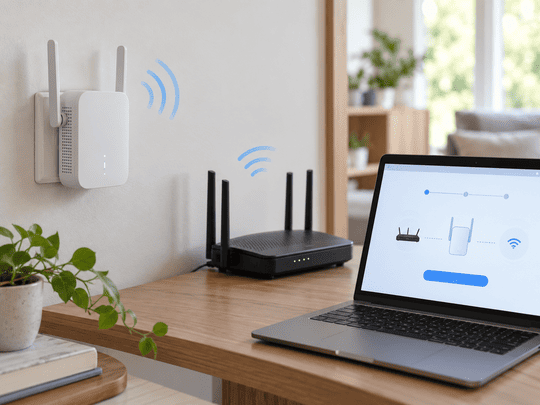
Set up your TP-Link Wi-Fi extender using the Tether app or tplinkrepeater.net, access the extender login page, and fix the most common setup and login problems.
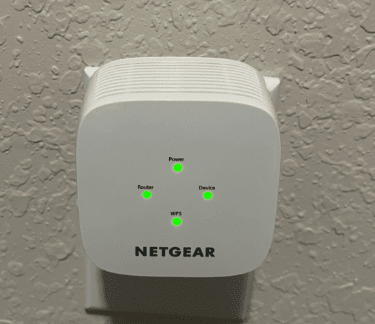
Use MyWiFiExt to set up or manage a NETGEAR WiFi extender. This guide covers browser setup, WPS, login problems, 192.168.1.250 and newer app-based setup.