ARRIS SB8200 192.168.100.1 Not Working? Try This
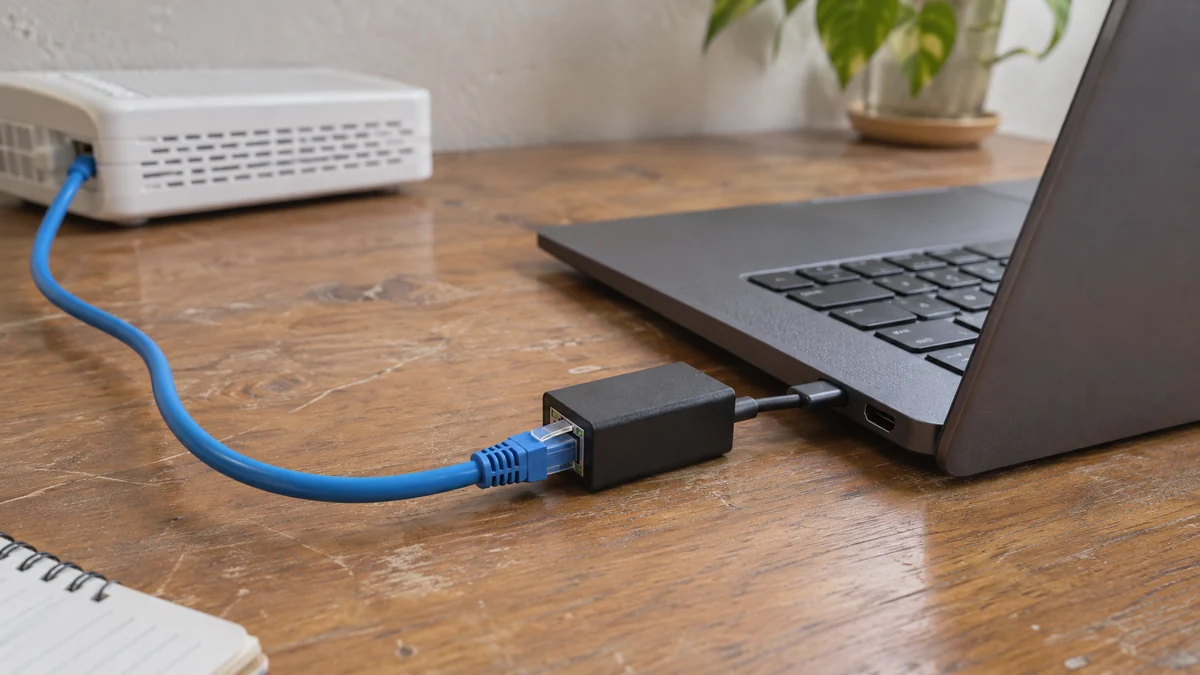
If the SB8200 status page won’t load, try a direct Ethernet connection first. If it still times out, use ARRIS’s temporary IP settings to reach the modem.

Find out what cable modem lights mean, check signal levels and event logs, and troubleshoot repeated reboots on ARRIS, NETGEAR, Motorola, and Spectrum modems.
If the SB8200 status page won’t load, try a direct Ethernet connection first. If it still times out, use ARRIS’s temporary IP settings to reach the modem.
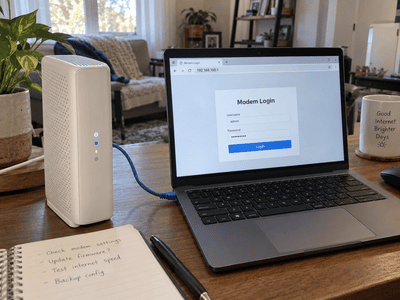
The ARRIS S33 and S34 use 192.168.100.1 for their local Web Manager, but the default password can differ by firmware. Here is how to log in and fix the page when it will not open.
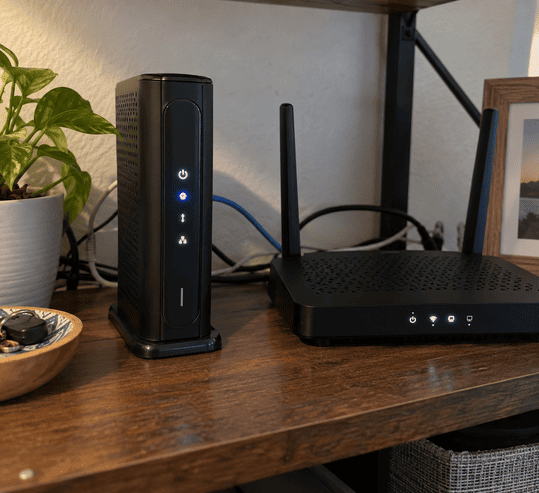
If your Motorola MB8611 keeps rebooting, the cause may be power, coax signal problems, heat, ISP provisioning, firmware or failing hardware. This guide shows how to separate them before replacing the modem.
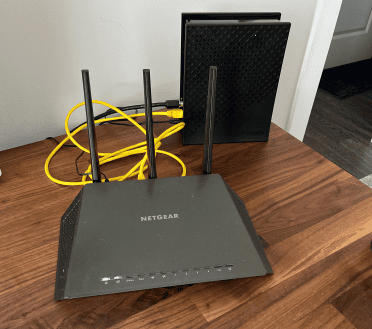
The NETGEAR CM2000 uses its front LEDs to show cable signal, online status, overheating and Ethernet link speed. This guide explains each light and what persistent blinking or amber states actually mean.
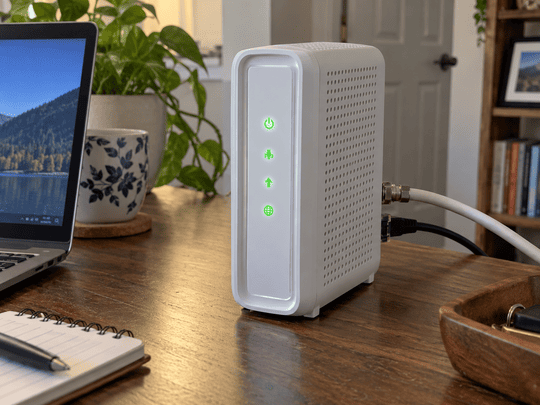
Not sure what the lights on your ARRIS SB8200 are telling you? Here is what each Power, Receive, Send and Online light means, plus what to check when one keeps flashing.
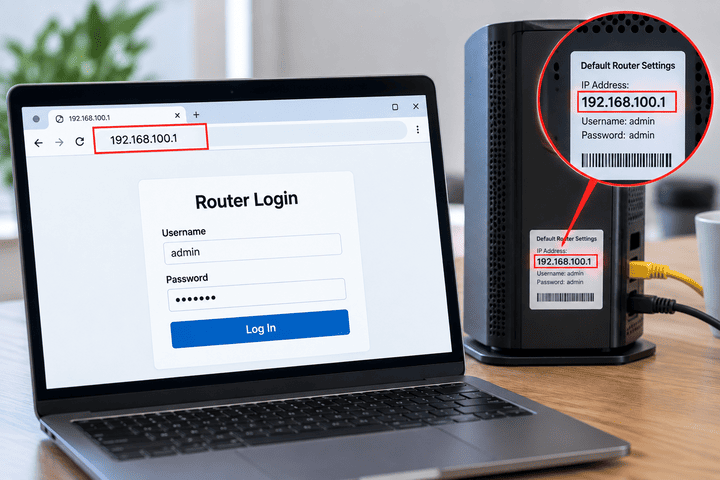
192.168.100.1 is often a modem status or diagnostic page, not your normal Wi-Fi router login. Here is how to open it, find the right credentials, and fix access problems.
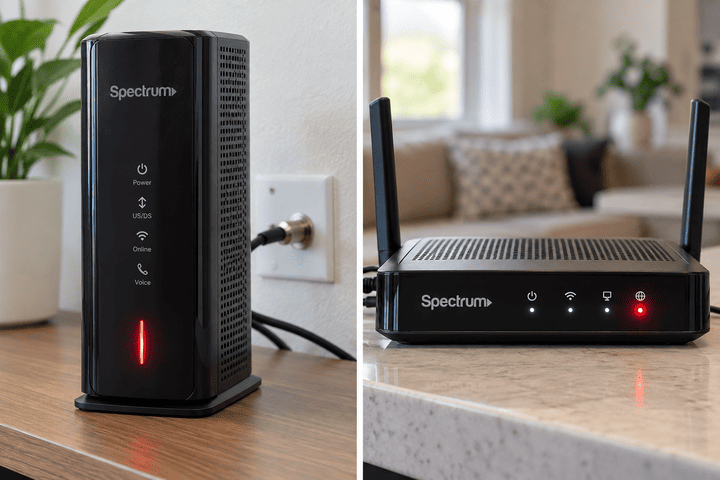
A Spectrum modem flashing blue and white is usually still trying to establish its connection. Here’s what to check if the light won’t settle.