Skip to content
NetMovo
  • Home
  • Guides
    • Router Login & Setup
    • Modem Troubleshooting
    • Mobile Hotspots
    • Router Troubleshooting
    • Wi-Fi Extenders & Mesh
  • About
  • Contact

NetMovo Team

Xfinity 10.0.0.1 Not Working? Fix Admin Tool Access
October 7, 2026 by NetMovo Team
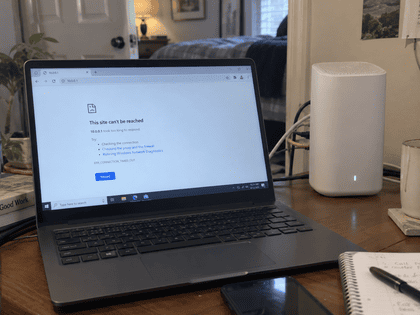
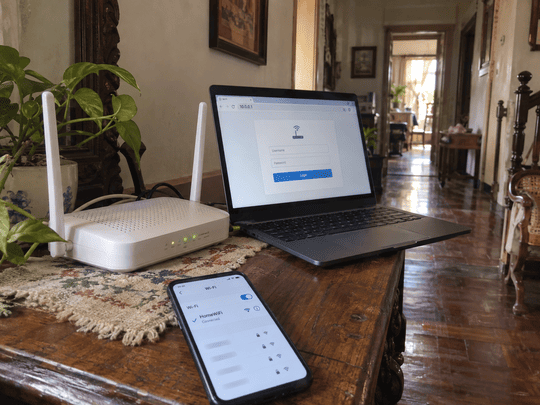
Xfinity gateway with 10.0.0.1 Admin Tool not loading on a laptop

If Xfinity 10.0.0.1 will not open or rejects your password, the problem may be Xfinity’s newer Admin Tool access setting rather than the gateway itself.

Categories Router Login & Setup Tags 10.0.0.1, Xfinity

NETGEAR Extender Not Connecting to Router? Here’s What to Check

October 7, 2026 by NetMovo Team
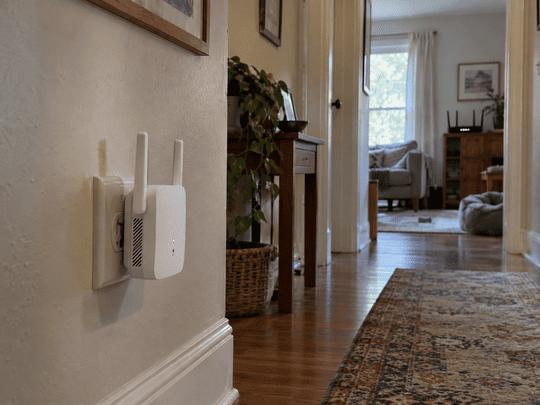
NETGEAR-style WiFi extender not connecting to the main router

If your NETGEAR extender will not connect to the router, first check whether the router link is actually down. Then work through placement, WPS, changed WiFi settings, access control and firmware before resetting anything.
Categories Wi-Fi Extenders & Mesh Tags NETGEAR

Spectrum Router Login: How to Access Settings on New and Older Routers

October 7, 2026 by NetMovo Team
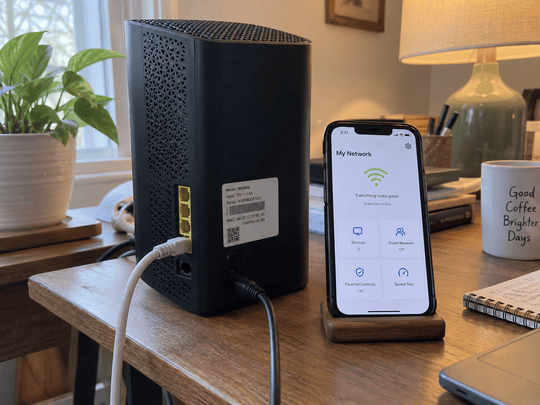
Spectrum-style router with phone used to access Wi-Fi settings

Trying to log in to a Spectrum router? Current Advanced WiFi models are usually managed through My Spectrum, while some older Wave 2 routers still use a local browser login.
Categories Router Login & Setup Tags Spectrum

ARRIS G36 Keeps Disconnecting? How to Fix Random Wi-Fi and Internet Drops

October 4, 2026 by NetMovo Team
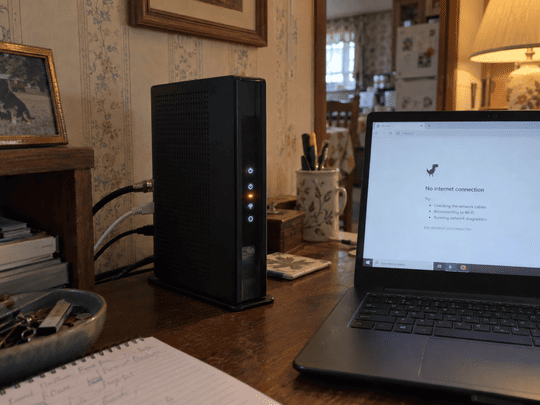
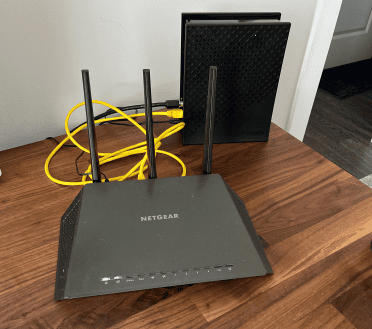
ARRIS G36-style cable gateway during a Wi-Fi or internet disconnect

If your ARRIS G36 keeps disconnecting, first find out whether the failure is Wi-Fi-only or the whole gateway. This guide covers interference, band steering, coax, signal problems and reset-last troubleshooting.
Categories Router Troubleshooting Tags ARRIS G36, SURFboard G36

10.0.0.1 Login: How to Open Your Router Admin Page

October 4, 2026 by NetMovo Team
Router admin login page opened at 10.0.0.1 on a laptop

Use 10.0.0.1 to open a compatible router or gateway admin page. If it does not load, this guide shows how to find the real gateway, correct common address mistakes and fix login problems.
Categories Router Login & Setup

Motorola MB8611 Keeps Rebooting? How to Find the Real Cause

October 4, 2026 by NetMovo Team
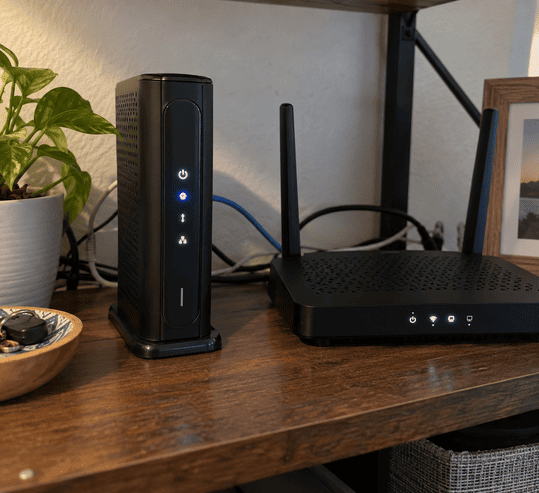
Motorola MB8611 cable modem rebooting beside a Wi-Fi router

If your Motorola MB8611 keeps rebooting, the cause may be power, coax signal problems, heat, ISP provisioning, firmware or failing hardware. This guide shows how to separate them before replacing the modem.
Categories Modem Troubleshooting

Tenda Login: How to Open tendawifi.com and Fix Access Problems

October 3, 2026 by NetMovo Team
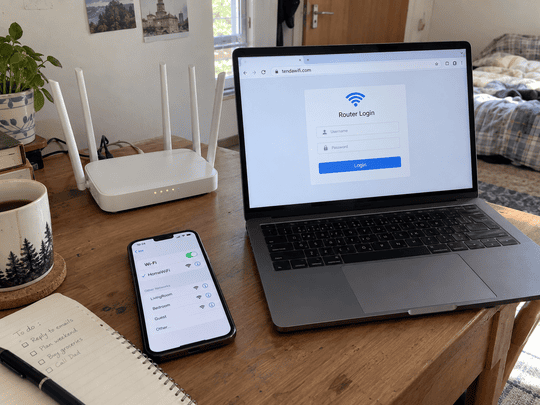
Tenda router login page opened through tendawifi.com on a laptop

Open your Tenda router settings through tendawifi.com or the router’s local gateway IP. This guide also covers login pages that will not load, incorrect IP addresses, password problems and browser errors.
Categories Router Login & Setup

NETGEAR CM2000 Lights: Meanings and Troubleshooting

October 3, 2026 by NetMovo Team
NETGEAR CM2000-style cable modem with front status lights visible

The NETGEAR CM2000 uses its front LEDs to show cable signal, online status, overheating and Ethernet link speed. This guide explains each light and what persistent blinking or amber states actually mean.
Categories Modem Troubleshooting

Verizon Router Yellow Light: What It Means and How to Fix It

October 3, 2026 by NetMovo Team
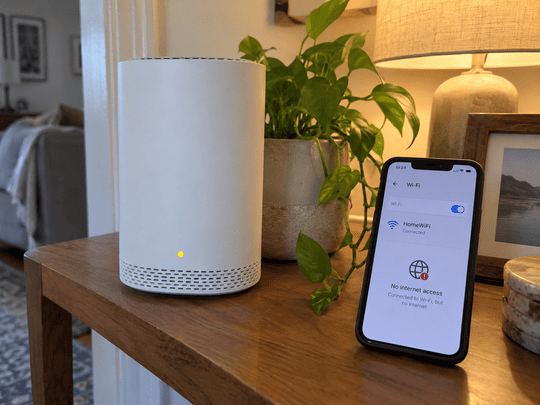
White Verizon-style router showing a yellow status light during an internet connection problem

A yellow light on Verizon equipment can mean no internet, an extender placement problem, or a setup state depending on the device. This guide helps identify the device first and fix the right problem.
Categories Router Troubleshooting

tplinkwifi.net Not Working? How to Get Back Into Your TP-Link Router

October 3, 2026 by NetMovo Team
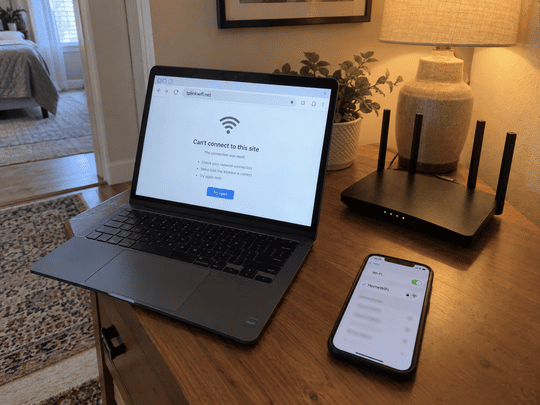
tplinkwifi.net not working on a laptop connected to a TP-Link router

If tplinkwifi.net will not open, the router is usually still reachable. Check that you are on the correct TP-Link network, try the router’s IP address, then work through browser, VPN and DNS problems before resetting anything.

Categories Router Login & Setup
Older posts
Newer posts
← Previous Page1 Page2 Page3 Page4 Next →

NetMovo

Clear help for routers, Wi-Fi, modems and home networking.

Guides

  • Router Troubleshooting
  • Wi-Fi & Extenders
  • Mobile Hotspots
  • Modem Troubleshooting

Site Info

  • About
  • Contact
  • Privacy Policy
  • Disclaimer
© 2026 NetMovo