If your Xfinity XB8 keeps rebooting, watch the gateway the next time the internet drops. Does the light go dark and then cycle back to white? Does a laptop plugged directly into the XB8 lose its wired link at the same time? Together, those clues point to the gateway restarting. If the wired link stays up while the internet is out, the XB8 may still be running and trying to reconnect to Xfinity.
Wait for one dropout before unplugging anything, if you can. The few minutes while it’s happening can tell you more than a speed test after everything comes back.
Check what drops when the XB8 goes offline
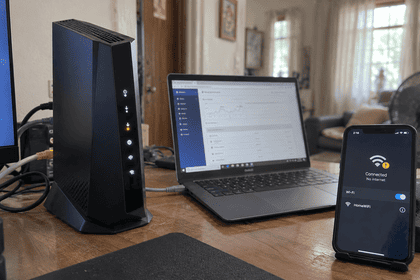
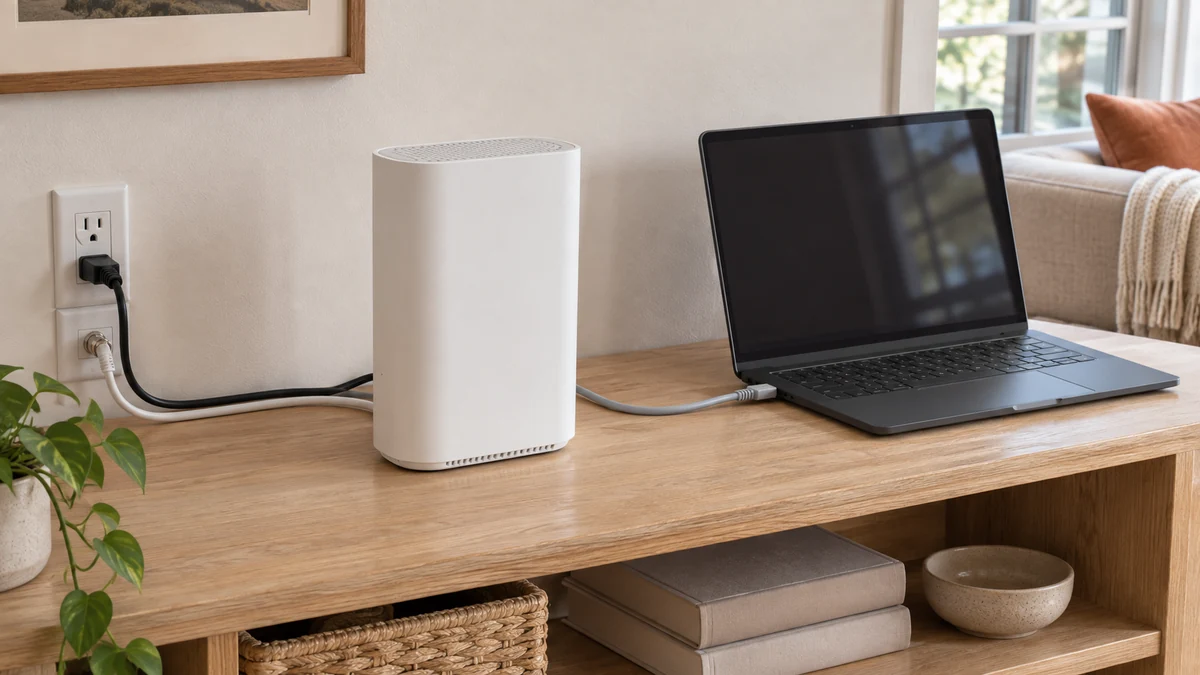
Connect a laptop to an Ethernet port on the XB8 and turn off Wi-Fi on that laptop so it can’t switch connections. Keep a phone handy to see whether your usual home Wi-Fi network is still visible. During the next dropout, check whether the laptop says the Ethernet cable is disconnected or still shows a wired connection with no internet.
- The gateway light goes out, the Wi-Fi name disappears, and the wired link drops. A restart or interrupted power is likely. Start with the outlet and ventilation checks below.
- Ethernet stays connected and devices stay on Wi-Fi, but nothing loads. Check Xfinity’s outage status and the coax connection. If the local Admin Tool still opens, that’s another clue that the gateway is running.
- Only Wi-Fi drops while the wired laptop keeps working. Compare two wireless devices near the XB8. If you use an eero, another mesh system, or a separate router, test its Wi-Fi separately from the direct XB8 connection.
If you already use the local Admin Tool and it shows system uptime, compare that reading before and after a drop. A reading that goes from days to a few minutes is strong evidence of a reboot. Menu layouts can vary, so use the wired test if you can’t find it. If you need help getting to the local page, see how to open the Xfinity Admin Tool at 10.0.0.1.
A blinking light can also appear while the gateway is reconnecting. If it stays orange or green after a single interruption, see the guide to an Xfinity gateway blinking orange or green.
If the XB8 actually restarts, check power and airflow
Reseat the supplied power cord at the XB8 and at the outlet. If it’s on a power strip, smart plug, or switched outlet, try a known-good wall outlet directly for a while. Watch through the time when the drop usually happens. A quick test during a quiet part of the day may miss a fault that only shows up at night.
Get the gateway out of any closed cabinet and stand it upright on a hard, open surface. Keep the vents clear and give it some space away from a game console, heater, or direct sun. Xfinity says the XB8’s generation of gateways can restart automatically if they get too hot. A warm case on its own tells you very little. What matters is whether the restarts stop after you improve the airflow.
Change one thing at a time if the dropouts are manageable. If you move the XB8, replace the power strip, and adjust the coax all at once, you’ll have a harder time finding what fixed it.
If the gateway stays on, check the cable side
Open the Xfinity app on your phone using mobile data and check for a service interruption at your address. If there’s no reported outage, use the app’s WiFi troubleshooting option. A brief, recurring problem can come and go between tests, so keep noting the times even if the app shows a healthy connection afterward.
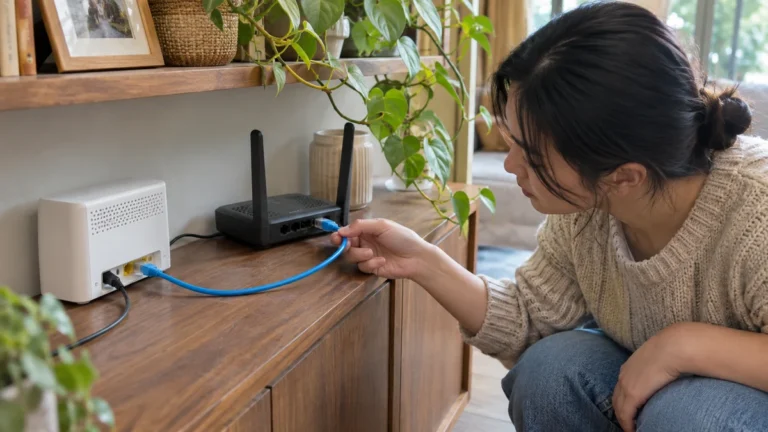
Check the coax cable at the wall jack and at the XB8. Both connectors should be finger-tight. If there’s a splitter you added and you can test a direct run without disconnecting anything else you rely on, try that temporarily. Leave provider-installed equipment in place and tell support what’s connected.
If the same drops happened with your previous gateway, say so before agreeing to another swap. Ask Xfinity to check whether the line or gateway went offline at the times you recorded. If a phone and a laptop both lost internet while the wired link stayed up, include that detail too.
Restart it once after you’ve seen what happens
In the Xfinity app, go to WiFi → Troubleshoot → Restart your Gateway. If you restart it manually, Xfinity says to unplug the power for one minute before plugging it back in. Give the gateway time to come back on its own. Xfinity says a restart can take up to 12 minutes. If you use Xfinity Voice, keep a mobile phone handy because your home phone will be unavailable during the restart.
Save a factory reset for when Xfinity asks for one or you have a specific reason to rebuild the setup. A reset can erase custom settings, including your Wi-Fi name, password, or bridge-mode configuration. For a gateway that resumes dropping after a restart, the next useful step is to report what you observed while it was down.
What to tell Xfinity when it keeps happening
Give support two or three examples with the time, how long the interruption lasted, and what the light and wired connection did. Mention any uptime reset, power-outlet test, or gateway swap you’ve already tried.
“At 8:42 and 9:17 last night, the light went dark, my wired laptop reported the cable disconnected, and the XB8 showed only a few minutes of uptime after it came back” gives support something specific to investigate. If the unit keeps restarting on a known-good outlet in an open spot, ask Xfinity whether the gateway should be exchanged. If the same failure continues with a replacement, ask for a line check using the new incident times.
Sources
- Xfinity Internet and WiFi connection troubleshooting
- How to restart your Xfinity Gateway
- How to prevent Xfinity Internet equipment from overheating