If the top light on your AT&T BGW320 is blinking red, watch it for a few seconds before you unplug anything. A quick flash two or three times a second points to a service issue. A flash about once every two seconds means the gateway has lost its broadband connection. Start with the outage check for a fast blink and the cable check for a slow one.
The top light is the Service light. The lower one is the WPS button light. If the top light stays red without blinking, look at the lower light too. That tells you whether to check airflow or ask AT&T about the gateway itself.
Fast blinking red: check for an AT&T outage
Switch your phone to mobile data and check AT&T’s outage page or open Smart Home Manager. Check your own service address. If AT&T has posted an outage for it, you can leave the gateway plugged in and wait for the service update.
If there’s no outage listed, restart the BGW320 once. Unplug its power cord, wait 20 seconds, and plug it back in. Give it several minutes to start up and watch for the top light to settle on solid white. If you use AT&T Phone through the gateway, expect a short interruption while it restarts.
If the fast red blink comes back and every device is still offline, report it through Smart Home Manager or contact AT&T. Say that the upper light is flashing quickly and that you’ve checked for an outage and tried a restart. A clear outage page can still leave an issue affecting only your line.
Slow blinking red: follow the cable that brings service in
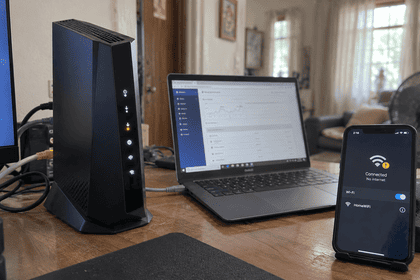
The Wi-Fi name can still show up on your phone while the BGW320 is blinking slowly. The gateway can be broadcasting Wi-Fi while it has no broadband connection coming in.
- Fiber straight into the gateway. In AT&T’s direct-fiber setup, a white cable with green tips runs from a fiber wall jack to the gateway. Follow the cable with your eyes and look for a sharp bend, a pinch behind furniture, or a connector that has clearly come loose. Leave the optical connector in place during this check. If it has come out or the cable looks damaged, ask AT&T what to do next.
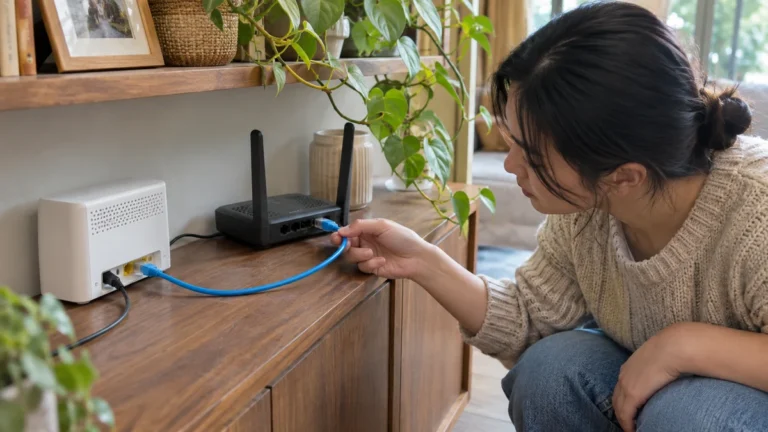
- A separate fiber box. If your setup has an external ONT, a separate box that converts fiber to Ethernet, the gateway gets its connection through the red ONT port. Check that the Ethernet cable is snug at both ends and that the ONT has power. If the box has a warning light, note what is lit so you can tell support.
If you just moved the gateway or swapped it for a replacement, start with anything you disconnected. A cable plugged into one of the regular LAN ports can look perfectly connected while the red ONT input is empty. Once you’ve checked the incoming connection, restart the gateway once using the power cord. If it still blinks slowly, ask AT&T to check the connection to your address.
If this is a new install and the top light changes to a fast green blink, follow the activation steps in Smart Home Manager. AT&T uses that pattern when the BGW320 is ready to activate during setup.
Solid red: look at the WPS light underneath
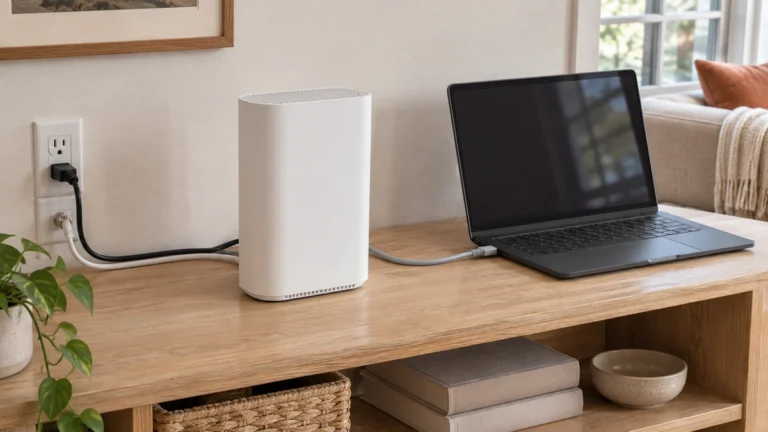
- Top light solid red, WPS light off. AT&T identifies this combination as overheating. Set the gateway upright on a firm, flat surface with room around the vents. Give it space away from other warm electronics and take it out of any closed cabinet.
- Both lights solid red. AT&T identifies this combination as a hardware fault. If a power restart leaves both lights red, contact AT&T about replacing the gateway.
If the top light is solid white and just the WPS light turns red, give the pairing attempt a moment to clear. AT&T lists this combination under Wi-Fi pairing. You can also connect the device using your usual Wi-Fi password.
If the red light keeps coming back
Take a short video of both front lights while the problem is happening. Tell AT&T whether the red blink is fast or slow, whether the gateway uses a fiber jack or a separate ONT, and whether solid white ever returns. If it happens only at certain times, give two examples with the time and how long the connection was down.
Save a factory reset for when AT&T asks for it and you’ve written down your custom settings. Holding the rear Reset button can erase the Wi-Fi name, password, and other settings you changed. For a normal restart, use the power cord.
If the Service light has gone back to solid white and you only need to check the gateway’s local settings, see the AT&T gateway login guide for 192.168.1.254.
Sources
- AT&T BGW320 light meanings
- AT&T BGW320 setup and cable types
- AT&T gateway restart and reset instructions