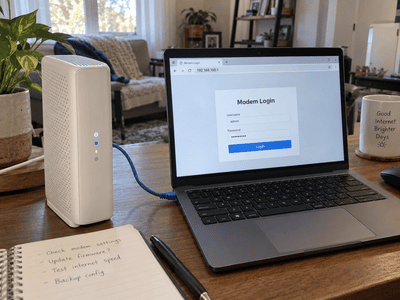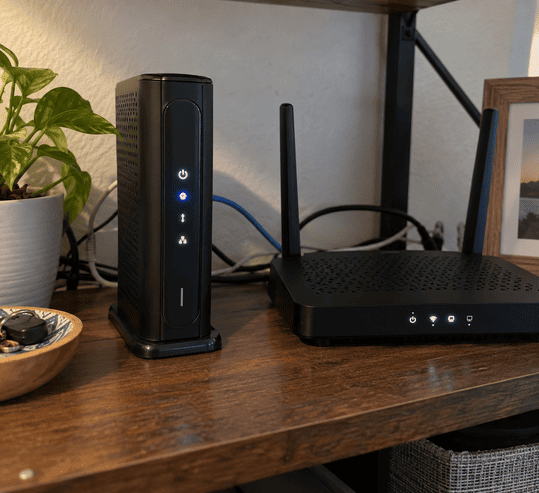
If 192.168.100.1 won’t open on your ARRIS SB8200, plug a computer straight into the modem, turn off Wi-Fi on the computer, and try http://192.168.100.1 again. If the page still times out, give the computer’s Ethernet adapter a temporary address of 192.168.100.200. That’s the workaround ARRIS documents for this modem.
If you can already see a login box, skip to the password section. The computer has reached the modem.
Try one cable from the modem to the computer
If you’ve only tried from a phone or over Wi-Fi, first type the full address into the browser while connected to your home network. The modem page can open even when websites are down. If it still spins, use the cable test.
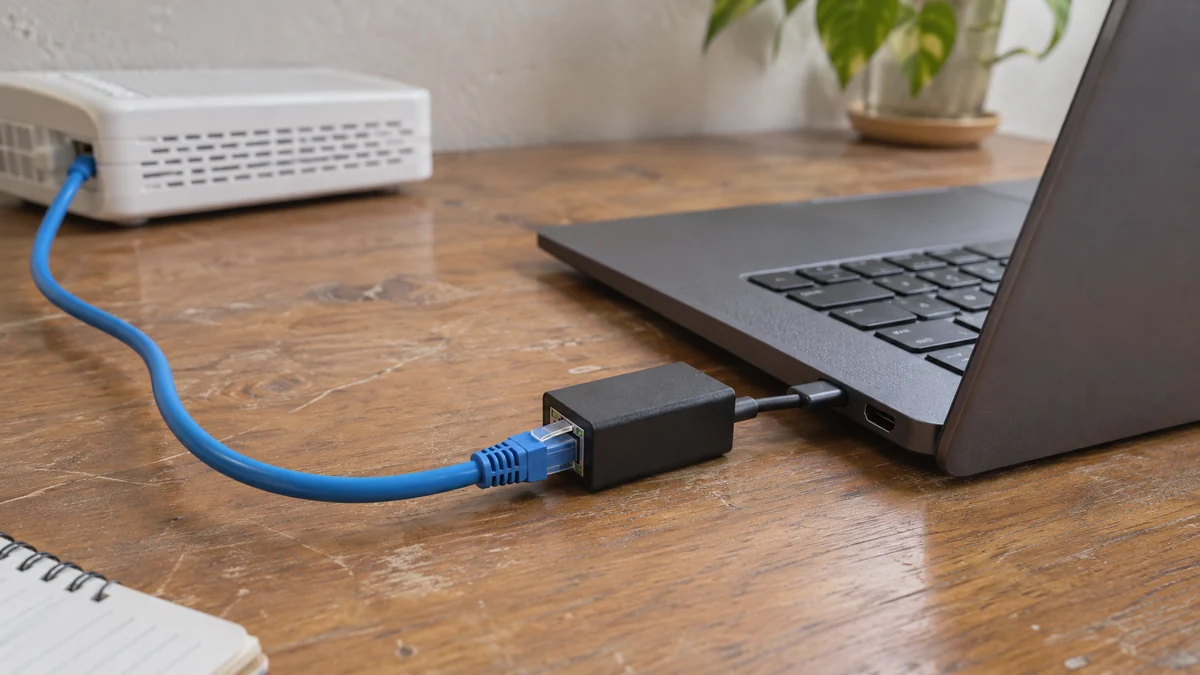
- Find the Ethernet cable running from port 1 on the SB8200 to your router. Unplug the router end and connect it to your computer. A USB-to-Ethernet adapter works if the computer has no Ethernet jack. Leave the coax cable connected.
- Turn off Wi-Fi on the computer and pause any VPN you’re using. This test will briefly take the router off the internet, so pick a time when you can spare the connection.
- Type
http://192.168.100.1into the address bar. If the Connection page or login screen comes up, you can stop here.
If the page opens through the cable but times out through the router, use the direct connection to collect your readings. You’ve narrowed the access problem to the path through the router. A working modem page can still open during a cable-service problem.
Still getting a timeout? Set a temporary IP address
Keep the computer connected to the SB8200 with Ethernet. Open the computer’s Ethernet settings and make a note of the current IP assignment so you can put it back afterward. Change the wired adapter only.
On Windows, go to Settings → Network & internet → Ethernet. Next to IP assignment, choose Edit, select Manual, and turn on IPv4. On a Mac, go to System Settings → Network, select the Ethernet connection, and open Details → TCP/IP. Under Configure IPv4, choose Manually.
- IP address
192.168.100.200 - Subnet mask
255.255.255.0(use24if the field asks for a prefix length) - Gateway or Router
192.168.100.1
Save the settings and open http://192.168.100.1. DNS is unnecessary for this test because you’re typing an IP address. If Windows won’t save with a blank DNS field, use the Ethernet adapter’s IPv4 Properties in Control Panel to enter the address and gateway while leaving DNS on automatic.
If you have a spare cable and the SB8200’s second Ethernet port is unused, ARRIS also documents doing the manual-IP test on port 2 with the router still in port 1. That can save you from interrupting the router while you look at the status page.
Put the Ethernet settings back when you’re done. If the computer used an automatic address before, switch it back to DHCP. Reconnect the router cable if you moved it and turn Wi-Fi and your VPN back on.
The page opens, but you can’t get in
Use admin as the username. On a modem with its original login, ARRIS documents two possible passwords: password or the last eight digits of the serial number on the bottom label. Look for S/N on that label. If someone set a custom modem password, use that one.
Seeing the Connection page with no password prompt is expected on older units. ARRIS says firmware before 1.01.009.47 can open the Connection page directly. If the page reports too many failed attempts, give it five minutes before trying again.
A browser privacy warning is another possible screen. ARRIS documents this for the local Web Manager. Follow its browser-specific steps only after you’ve checked that you’re directly connected to your modem and the address bar still shows 192.168.100.1.
If the direct test still fails
Check that the computer shows Ethernet as connected. If it reports the cable is unplugged, try another cable or adapter first. If the wired link is up, check that the computer’s Ethernet settings still show the temporary address, then try a second browser.
If your internet is working, leave the modem running while you ask ARRIS or your provider about local status-page access. A factory reset can clear the modem’s settings and interrupt service. If the internet is down too and the Online light never settles, use the SB8200 light guide to see where the cable connection is getting stuck.
If you check the modem from time to time, the 192.168.100.1 modem status guide explains what the channel readings and event log can tell you once you’re in.
Sources
- ARRIS support: SB8200 Web Manager access
- ARRIS support: cable modem status-page workaround
- ARRIS support: Web Manager browser warning