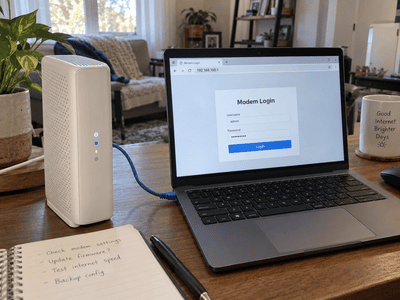
If you open 192.168.100.1 and see signal levels, channel information or modem logs instead of normal Wi-Fi settings, that is usually expected.
On many cable modems, 192.168.100.1 is a local modem status or diagnostic page. Some fibre ONTs and ISP-supplied gateways also use the same address, but the login screen and available settings depend on the exact device.
Do not assume there is one universal username and password for 192.168.100.1. NETGEAR, TP-Link, ARRIS and ISP-supplied equipment all handle login credentials differently.
How to open 192.168.100.1
- Connect your phone or computer to the same home network as the modem.
- Open a web browser.
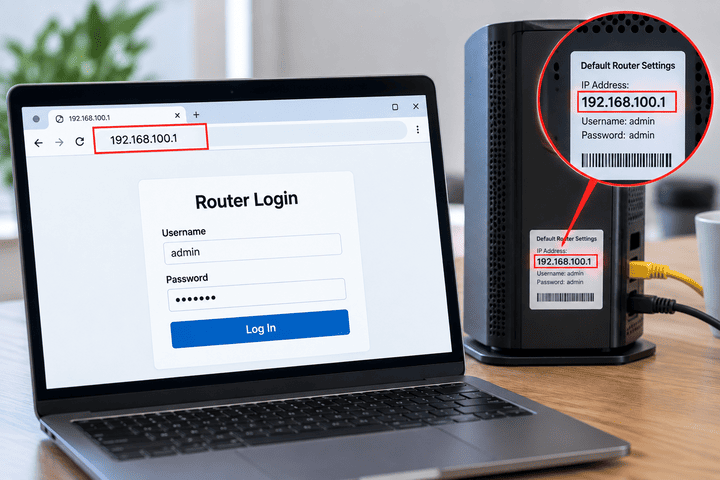
- Type http://192.168.100.1 directly into the address bar.
- Press Enter or Go.
- If a login page appears, check the modem model before entering any credentials.
Use the browser address bar, not a search box. Do not add www, a domain ending or extra numbers.
On supported modems, the page is served locally by the device. That means it may still open when your internet connection itself is down.
Is 192.168.100.1 a modem login or a router login?
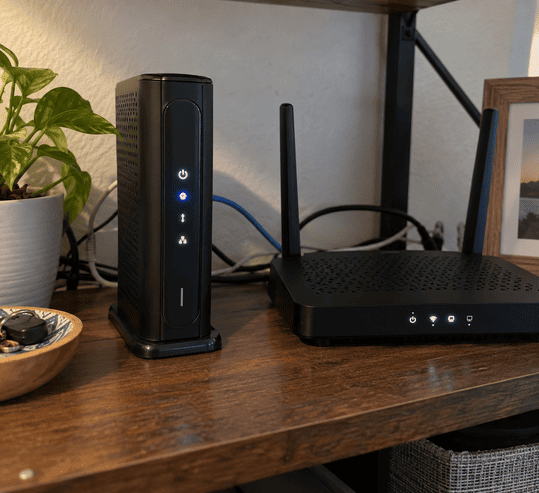
Most people searching for this address are trying to reach a cable modem rather than their normal Wi-Fi router.
A standalone cable modem may use 192.168.100.1 to show things such as:
- downstream and upstream channels
- connection or bonding status
- signal information
- firmware version
- event logs
- limited modem settings
If you have a separate Wi-Fi router, your Wi-Fi name, Wi-Fi password, guest network and most router settings are normally controlled from the router’s own app or admin page instead.
There are exceptions. Some modem-router combinations, fibre ONTs and ISP gateways use 192.168.100.1 as a fuller management interface. The exact model matters.
There is no universal 192.168.100.1 password
This is where many login guides become unreliable. The IP address can be the same while the credentials are completely different.
NETGEAR cable modems
NETGEAR documents 192.168.100.1 for a range of its cable modems. Many supported models use admin as the username and password as the default password.
But the CM2000 is different. NETGEAR says each CM2000 has its own unique password printed on the product label.
TP-Link cable modems
TP-Link documents 192.168.100.1 for cable modem models including the TC-7610 family. Its TC-7610 instructions use admin for both the username and password.
Do not carry that login over to every TP-Link model. Other hardware and firmware can use a different first-time setup or password process.
ARRIS SURFboard modems
ARRIS also uses 192.168.100.1 on models such as the SB8200. Current ARRIS documentation says the SB8200 Web Manager may use admin with either the default password or the last eight digits of the serial number, depending on firmware and device state.
Older SB8200 firmware can behave differently and may show the connection page without the newer admin login.
The safe rule: identify the exact modem model, then use the credentials from its label, manual or official support page.
192.168.100.1 not opening? Try these fixes in order
1. Check the address carefully
Enter: http://192.168.100.1
Common mistakes include adding spaces, typing the address into a search engine, or using a similar-looking IP.
2. Make sure you are still connected to your home network
The address is local. If your phone has disconnected from Wi-Fi or your computer is connected to another network, the modem page will not load.
3. Try a wired connection
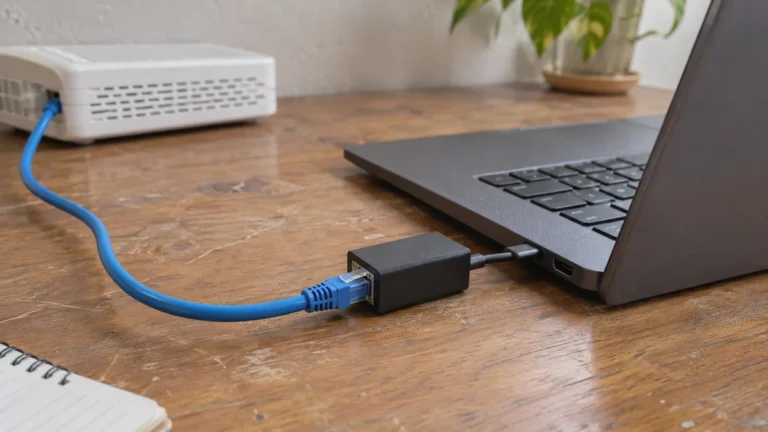
If the page will not open through your router, connect a computer directly to the modem with Ethernet if your modem supports it.
ARRIS specifically recommends a direct Ethernet connection for Web Manager access on models such as the SB8200. TP-Link also documents direct Ethernet access for its cable modems.
4. Let the computer obtain its IP address automatically
A computer left on a manual or static IP configuration from another network can fail to reach the modem page.
For models where the manufacturer calls for it, set the computer to obtain its IP address automatically and try again.
5. Try another browser
If the modem is reachable but the page renders badly or does not complete loading, another browser can rule out a browser-specific problem.
6. Do not factory-reset the modem just because the page will not open
A reset is not the first troubleshooting step.
On ISP-supplied gateways or fibre ONTs, a factory reset can remove settings that were provisioned by the provider. Check the exact device manual or your ISP instructions before resetting anything.
The page opens, but I only see status information
That can be completely normal.
A standalone modem does not need the same controls as a Wi-Fi router. Its local page may mainly show cable connection information, signal data and logs.
If your goal is to change the Wi-Fi name or password and you use a separate router, open the router’s own management page or app instead.
What can the modem status page tell you?
The page is most useful when your internet keeps dropping, the modem takes a long time to come online or you want to see whether the modem is actually connected to the provider.
Depending on the model, you may be able to check:
- whether downstream and upstream channels are locked
- how many channels are connected
- signal readings
- corrected and uncorrected errors
- recent modem events
- firmware and hardware information
Do not use one brand’s “good signal” numbers as a universal rule. Acceptable ranges and the way readings are presented can vary by modem and ISP. Use the support page for your exact model when interpreting the numbers.
If your modem is online but the internet still does not work
Reaching 192.168.100.1 proves you can communicate with the modem locally. It does not prove the ISP connection or your router is working correctly.
Check the modem’s connection state first, then the Ethernet connection between the modem and router, then the router itself.
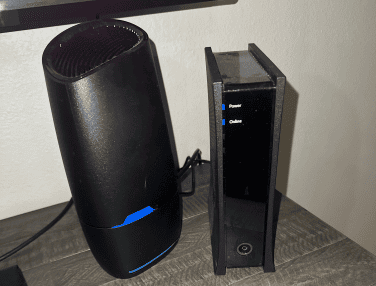
If you use Spectrum and the modem’s Online light is alternating blue and white, see the Spectrum modem flashing blue and white guide for that specific problem.
When 192.168.100.1 may be the wrong address
Do not keep forcing this address if your device documentation lists something else.
192.168.100.1 may be wrong for you if:
- your modem uses a different management address
- your ISP gateway is managed through an app or another local IP
- you are trying to change settings on a separate Wi-Fi router
- your ISP has restricted local access to the modem or ONT
The label on the device and the official support page for the exact model should take priority over any generic login list.
Frequently asked questions
Can I open 192.168.100.1 without internet?
Yes, on devices that provide a local management page at that address. You still need a local connection to the modem or network.
Is the username always admin?
No. Some models use admin, some use another setup method, and some use unique credentials printed on the device label.
Is the password always password?
No. NETGEAR alone has model differences, including the CM2000’s unique label password. ARRIS and TP-Link models also vary.
Can I change my Wi-Fi password at 192.168.100.1?
Usually not on a standalone cable modem. If you have a combined gateway or fibre ONT, Wi-Fi controls may be available there. Check the exact model.
Should I reset the modem if I forgot the login?
Not immediately. First check the device label, manual and official support page. Resetting ISP-supplied equipment can create additional setup problems.
Sources
NETGEAR Support: How do I log in to my NETGEAR cable modem?
TP-Link Support: How to log into the web-based management interface of a TP-Link cable modem
ARRIS Support: SB8200 Web Manager Access