
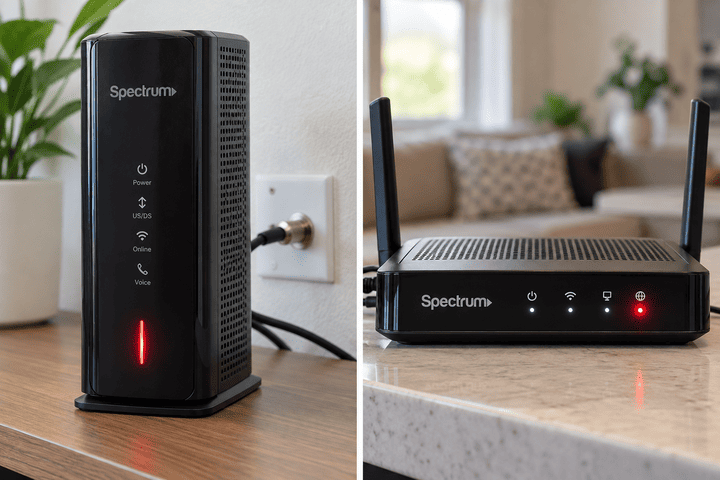
If your Spectrum modem is flashing blue and white, the modem is usually still trying to establish a connection with Spectrum’s network.
On Spectrum’s DOCSIS 3.1 modem documentation, an Online light that slowly changes between blue and white means the modem is determining its connection. Once connected, the same modem family can show solid blue for a DOCSIS 3.1 connection or solid white for a DOCSIS 3.0 connection. CloudFront
Seeing blue and white for a short time after starting the modem is therefore normal. If it keeps doing it and your internet never comes back, that’s when you have a problem to troubleshoot.
First, give the modem a few minutes
Don’t unplug it immediately.
Spectrum says a modem normally takes about two to five minutes to connect after being powered on. Once it has connected, the Online status light should settle instead of continuing to flash. Spectrum
If you’ve just restarted the modem, changed equipment, or had a power outage, wait five minutes before doing anything else.
If the Online light is still moving between blue and white after that, continue below.
What blue and white actually mean
For the Spectrum DOCSIS 3.1 modem design documented by Spectrum:
Blue and white changing back and forth: the modem is trying to determine and establish its connection.
Solid blue: the modem has bonded using DOCSIS 3.1.
Solid white: the modem has bonded using DOCSIS 3.0.
Online light off: Spectrum’s modem documentation lists this as network access being denied.
This distinction is useful because a solid white light isn’t automatically the same problem as a flashing blue-and-white light. A solid white modem may already be online, while one that keeps alternating colors hasn’t finished connecting.
Spectrum supplies more than one modem model, so don’t assume every Spectrum modem uses exactly the same LED system. Current Spectrum installation guidance also mentions blue or green Online lights on some equipment. Spectrum
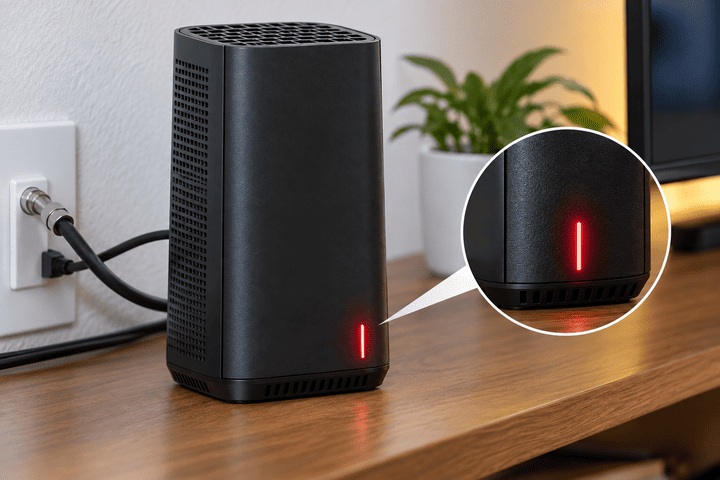
How to fix a Spectrum modem that keeps flashing blue and white
Work through these in order. There’s no benefit in factory resetting things randomly.
- Check for a Spectrum outage first. Use the My Spectrum app or your Spectrum account from a phone using mobile data. Spectrum specifically recommends checking for an outage before troubleshooting equipment. If your area is down, changing cables and restarting the modem won’t fix it. Spectrum
- Check the coax cable. Look at the round coax cable running from the wall outlet to the modem. Make sure both ends are firmly connected. Spectrum’s installation instructions require the coax connection before the modem can establish service. Spectrum Don’t overtighten the connector with tools. Finger-tight is normally enough.
- Check whether you’re setting up a new or replacement modem. A replacement modem may need activation before it can fully connect. Spectrum’s current self-install process uses the My Spectrum app or Spectrum’s online activation process. Spectrum If this is a new modem that has never worked, activation is worth checking before assuming there is a line fault.
- Restart the equipment in the correct order. Unplug the modem and router from power. Wait about 30 seconds. Reconnect the modem first and give it around two minutes to establish its connection. Then reconnect the router and wait another two minutes. Spectrum recommends this modem-first sequence for normal cable internet equipment. Spectrum
- Watch only the modem at first. If the modem itself continues flashing blue and white, the router probably isn’t the main problem yet. If the router is showing a red light too, see our Spectrum router red light guide.
- If it still won’t connect, use Spectrum’s equipment diagnostics. Your Spectrum account can show a connection issue and may offer a troubleshooting or restart option. If the modem remains unable to establish service, Spectrum may need to check the line, provisioning, or the modem itself. Spectrum
What if the modem turns solid white?
Don’t immediately assume the modem is broken.
On Spectrum’s DOCSIS 3.1 modem documentation, solid white means the modem has bonded using DOCSIS 3.0, while solid blue represents DOCSIS 3.1 bonding. CloudFront
The important question is whether your internet works.
If the modem is solid white and everything is working normally, don’t start resetting equipment just because the light isn’t blue.
If it used to stay blue and suddenly remains white while you’re also having slower speeds, frequent drops, or connection problems, that’s worth having Spectrum investigate.
What if blue and white flashing keeps coming back?
That’s more interesting than seeing it once during startup.
A modem that repeatedly drops from a stable Online state back into the blue-and-white connection sequence is apparently losing its established network connection and then trying to reconnect.
Spectrum employee responses in its community have described full modem connection drops where the Online light changes from blue toward white and begins blinking again while the modem reconnects. Spectrum Community
If this happens repeatedly during the day, note roughly when it happens. Repeated disconnects can help Spectrum distinguish a one-time reboot from an intermittent service or signal problem.
Don’t buy a new router because of this symptom alone. If the modem itself is repeatedly losing Online status, changing the Wi-Fi router may do nothing.
Should you factory reset the modem?
Usually, no.
A normal reboot is the sensible first step. A factory reset is more disruptive and isn’t required simply because the Online light is trying to reconnect.
Some Spectrum modem guides even distinguish a short reset-button press used for rebooting from a longer press that performs a factory reset. Manuals+
Unless Spectrum specifically tells you to factory reset the modem, stick with the normal power-cycle procedure first.
When to contact Spectrum
Contact Spectrum if the modem has had plenty of time to boot but continues flashing blue and white, especially if you’ve already checked for an outage, reseated the coax cable, restarted the equipment correctly, and confirmed activation.
Also contact them if the connection repeatedly drops throughout the day and the modem goes back into the blue-and-white sequence each time.
At that point, Spectrum can check things you can’t easily verify from inside the house, including the modem’s connection status and problems affecting the service line.
Spectrum modem flashing blue and white but internet works?
If your internet is actually working normally while the light behaves strangely, don’t rush to change anything.
First make sure you’re looking at the Online light and not another indicator. Different Spectrum modem models have different front panels.
If the internet works but the Online indicator never settles into its expected state, check the model number on the modem label. The exact model matters more than a generic internet description of “Spectrum modem lights.”
Spectrum modem flashing blue and white after an outage
This can be normal for a few minutes.
After power or Spectrum service returns, the modem has to reconnect to the network. Spectrum recommends allowing the modem to reconnect before powering the router back up. Spectrum
If the light becomes stable after a few minutes, you’re probably done.
If it continues flashing indefinitely, check the outage status again and then work through the connection steps above.
Spectrum modem flashing blue and white after installing it
If the modem is new, first check the coax connection and activation.
Spectrum’s self-install instructions say to connect the coax and power, wait for the modem to connect, and then activate the service using the My Spectrum app or online activation. Spectrum
A brand-new modem sitting in its connection sequence doesn’t automatically mean the modem is faulty.
The short version
A Spectrum modem that briefly flashes blue and white after startup is usually just establishing its network connection.
If it never settles, check the Spectrum outage status, coax cable, modem activation, and then restart the modem and router in the correct order.
If it repeatedly returns to flashing blue and white after previously working normally, that’s when I’d stop repeatedly rebooting it and let Spectrum check the connection.
Sources
Spectrum DOCSIS 3.1 modem / voice equipment LED documentation. CloudFront
Spectrum Internet self-installation and modem connection instructions. Spectrum
Spectrum outage and modem/router reboot instructions.Spectrum